 Aetherius
 Client
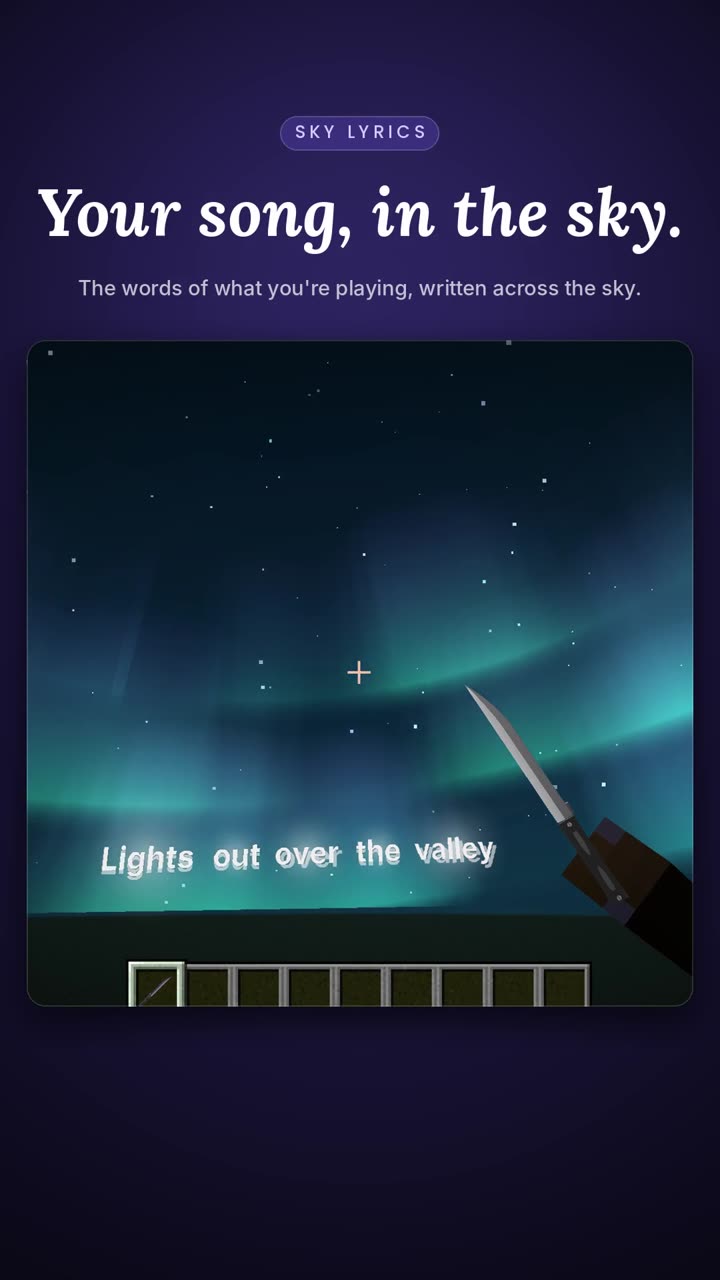
The PvP client made on DonutSMP. Your song written across the sky, 25 knives in your hand, 26 macros on your keys, and the auction tools no other client has. Minecraft 1.21.11 to 26.3.
One payment, lifetime access. Works on every account on your PC. Join the Discord.
See it played.
Five short clips from the client. Swipe through them, and tap one to play it with sound.
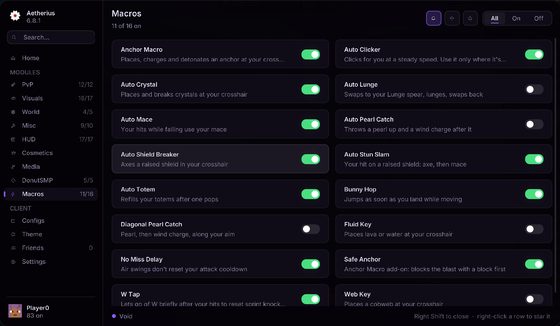
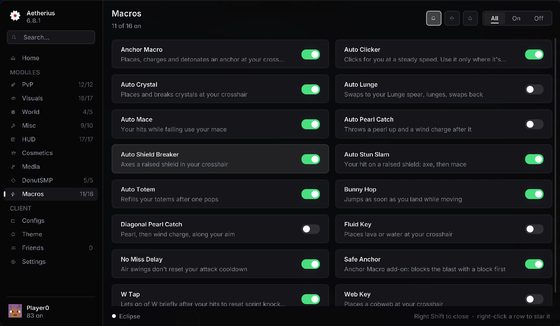
26 macros.
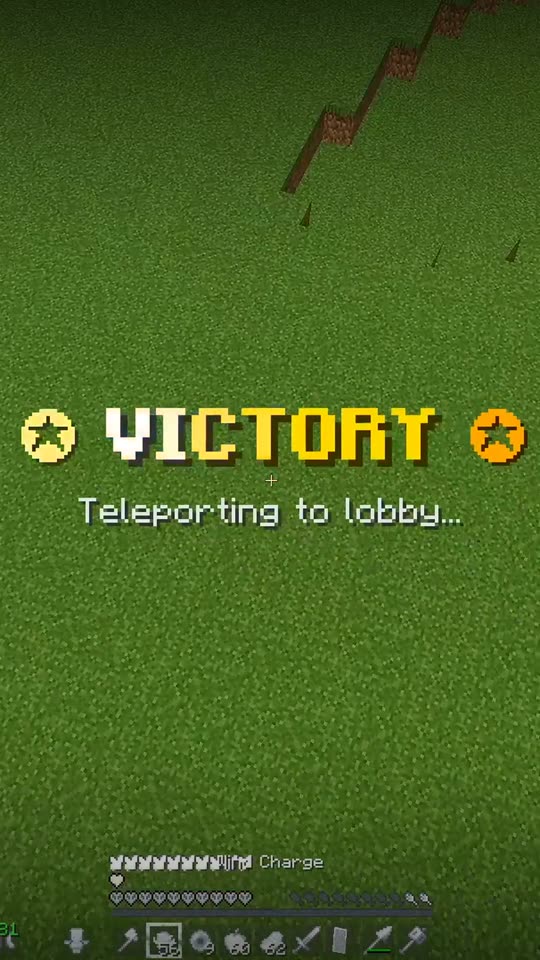
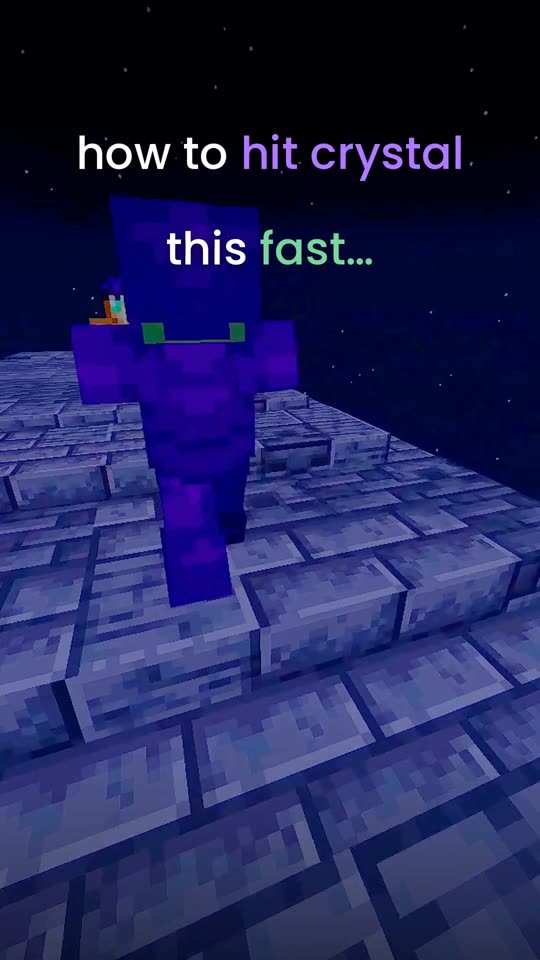
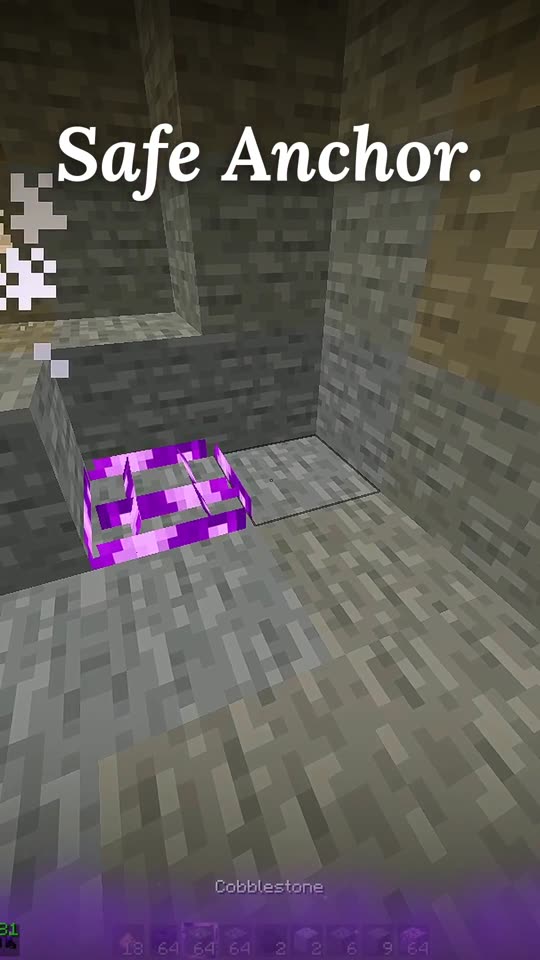
Every macro is the inputs you'd make yourself: slot keys and real clicks with a natural wait between them, on whatever your crosshair is on. Bind a key, set your slots and delays, and play. Auto Mace and Stun Slam take an early tap: click anywhere in the fall and the hit lands when you're in reach. Three Custom Macros let you build your own.
5 Mace and spear
Auto Mace, Auto Stun Slam, Breach Swap, Auto Shield Breaker, Auto Lunge
5 Crystal and anchor
Auto Hit Crystal, Anchor Macro, Safe Anchor, Double Anchor, Anchor Pearl
5 Pearls and movement
Auto Pearl Catch, Diagonal Pearl Catch, Key Pearl, W Tap, Bunny Hop
4 Totems and swaps
Auto Totem, Offhand Hotbar Totem, Inventory D-Hand, Elytra Swap
5 Utility and your own
Web Key, Fluid Key, No Miss Delay, Auto Clicker, Custom Macro 1, 2 and 3
Pay, and your key is on screen and in your email the same minute. No waiting for a human.
Four Minecraft versions kept current, 1.21.11 to 26.3. Every update is free, forever.
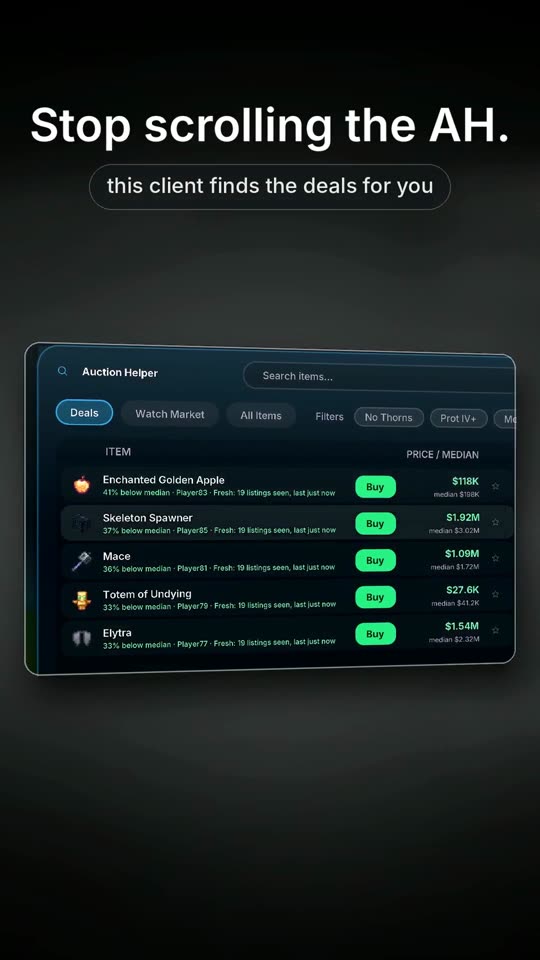
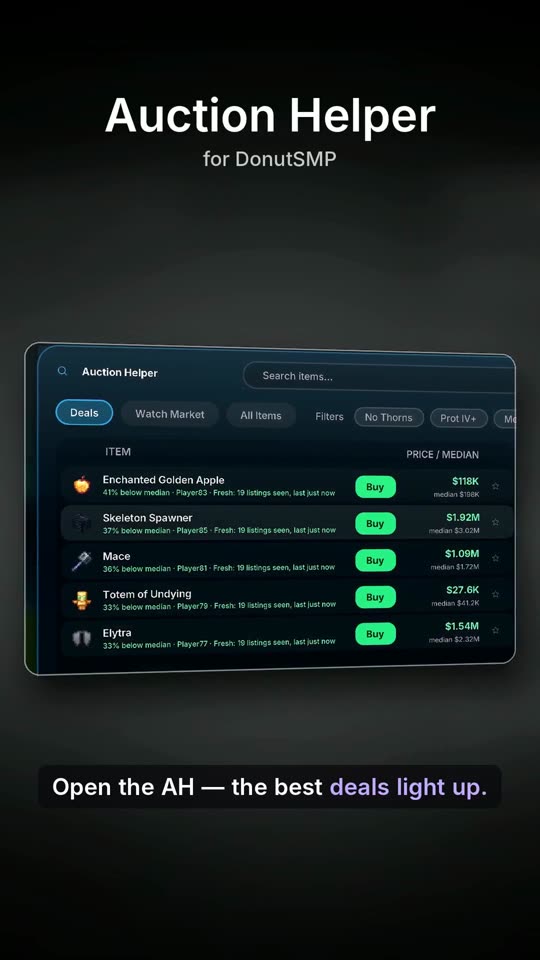
Auction Helper, Quick Wheel and the mace macros were made on it. No other client has them.
Runs onAetherius LauncherModrinth AppPrismany Fabric setup
102 modules.
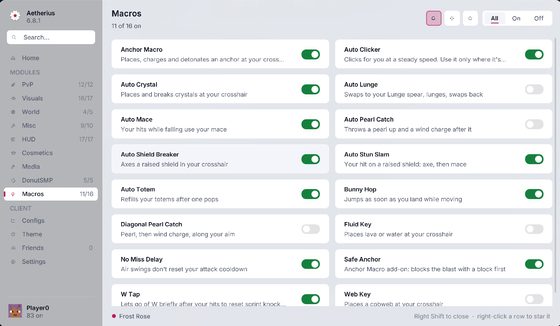
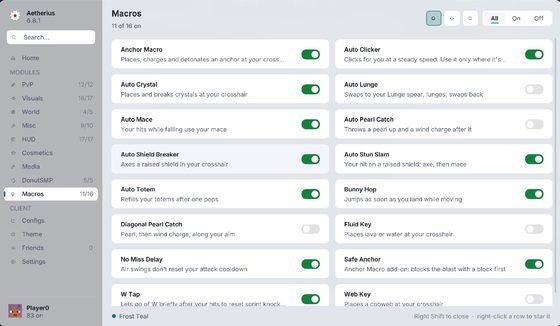
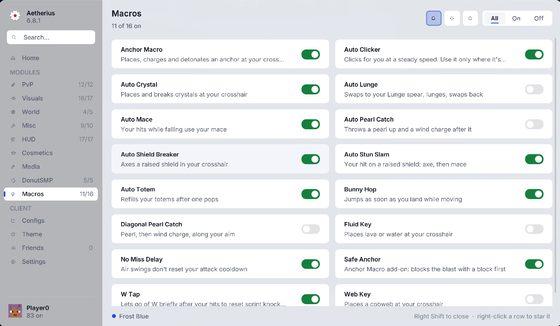
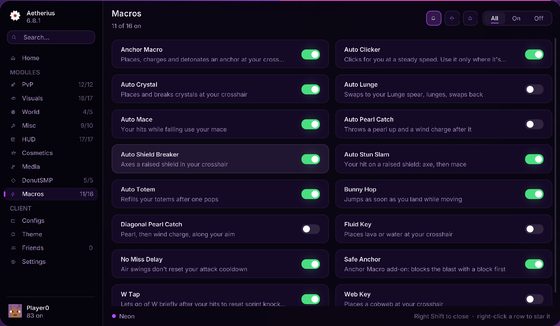
Every tab of the menu, toggles and all. Pick a tab to see what's in it.
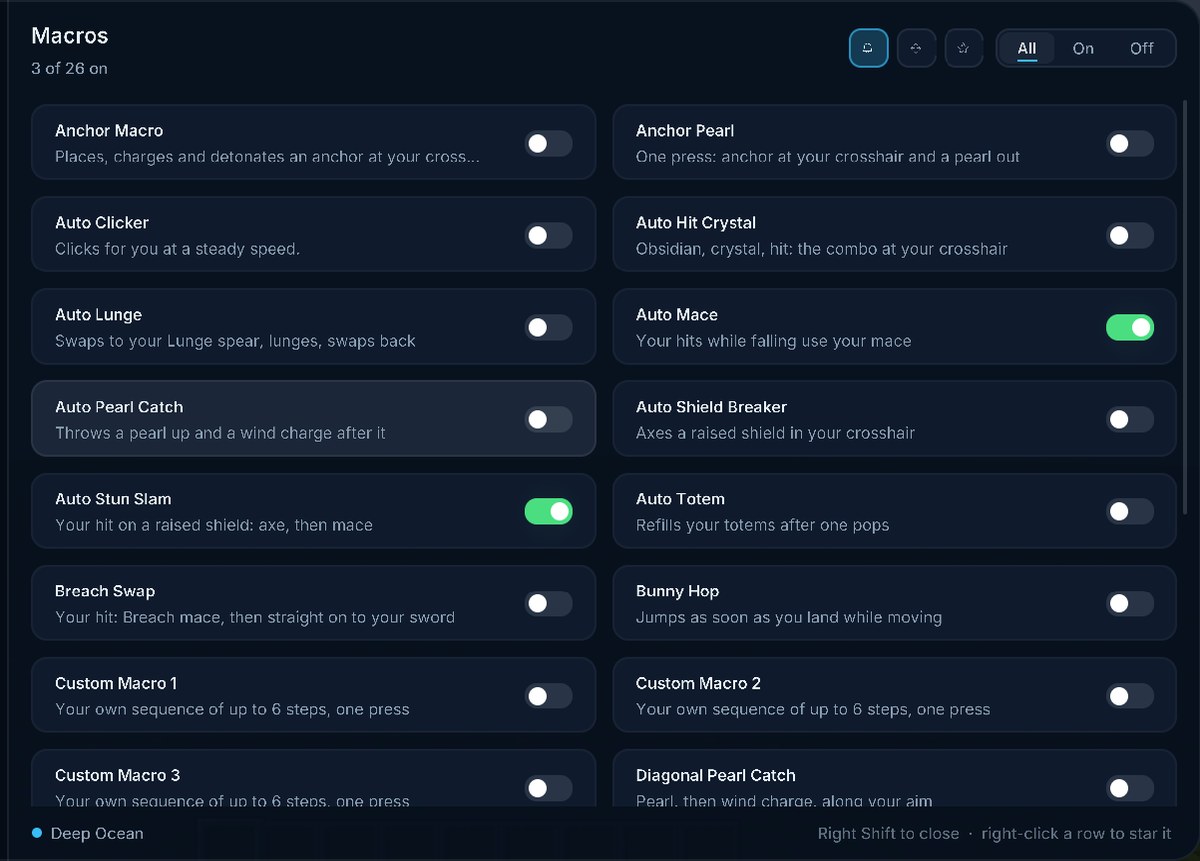
Macros26 modules
- Auto ClickerClicks for you at a steady speed.
- Auto Shield BreakerAxes a raised shield in your crosshair
- Anchor MacroPlaces, charges and detonates an anchor at your crosshair
- Safe AnchorAnchor Macro add-on: blocks the blast with a block first
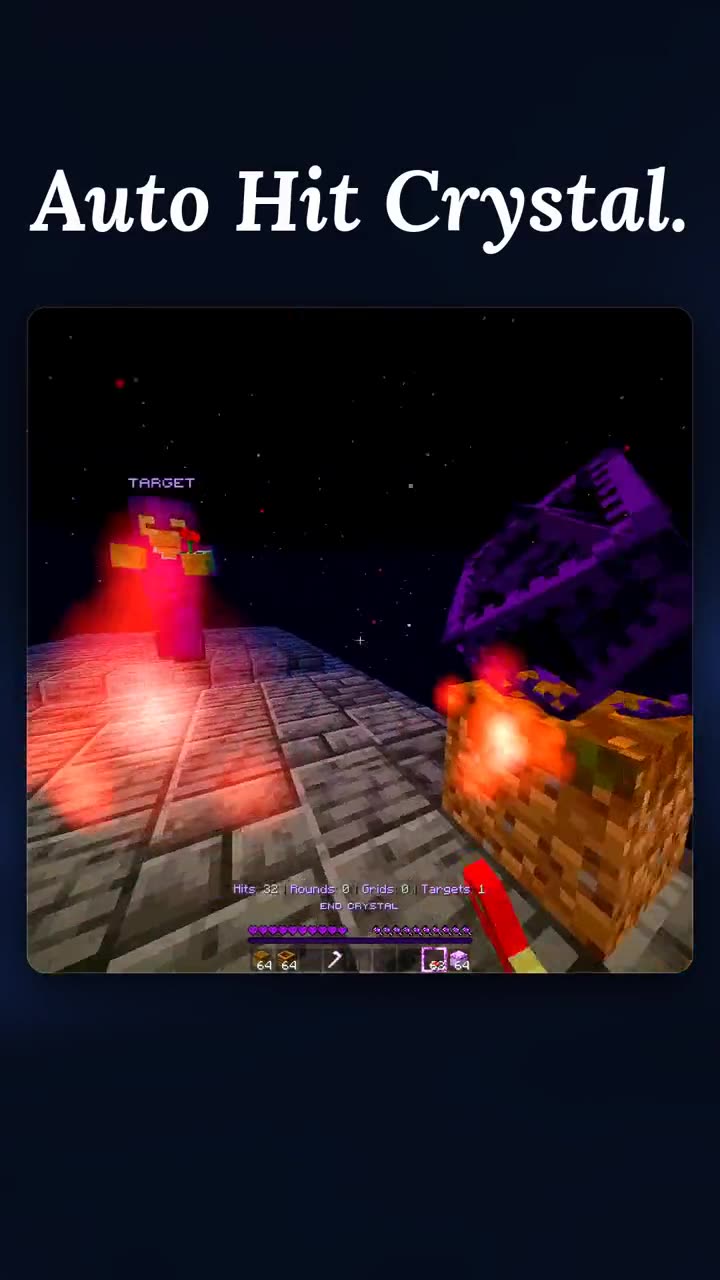
- Auto Hit CrystalObsidian, crystal, hit: the combo at your crosshair
- Auto Pearl CatchThrows a pearl up and a wind charge after it
- Diagonal Pearl CatchPearl, then wind charge, along your aim
- Auto LungeSwaps to your Lunge spear, lunges, swaps back
- Auto MaceYour hits while falling use your mace
- Auto Stun SlamYour hit on a raised shield: axe, then mace
- Web KeyPlaces a cobweb at your crosshair
- Fluid KeyPlaces lava or water at your crosshair
- No Miss DelayAir swings don't reset your attack cooldown
- Bunny HopJumps as soon as you land while moving
- W TapLets go of W briefly after your hits to reset sprint knockback
- Auto TotemRefills your totems after one pops
- Key PearlOne press: switch to your pearl, throw it, switch back
- Inventory D-HandOne press: totem in both hands from your inventory
- Offhand Hotbar TotemOne press: your hotbar totem goes to your offhand
- Double AnchorAnchor Macro add-on: a second anchor right after the first
- Anchor PearlOne press: anchor at your crosshair and a pearl out
- Breach SwapYour hit: Breach mace, then straight on to your sword
- Elytra SwapOne press: elytra on (or your chestplate back on), then back to your slot
- Custom Macro 1Your own sequence of up to 6 steps, one press
- Custom Macro 2Your own sequence of up to 6 steps, one press
- Custom Macro 3Your own sequence of up to 6 steps, one press
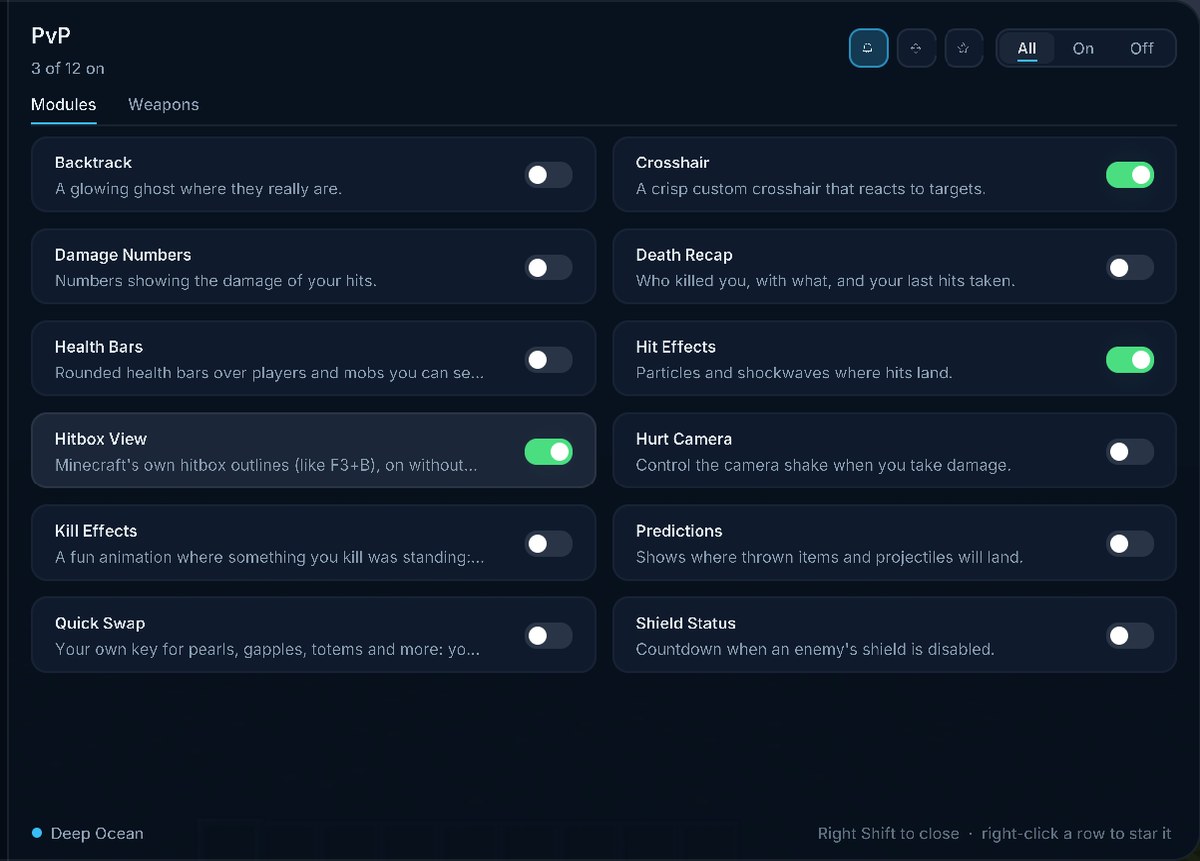
PvP12 modules
- CrosshairA crisp custom crosshair that reacts to targets.
- Damage NumbersNumbers showing the damage of your hits.
- Shield StatusCountdown when an enemy's shield is disabled.
- Hurt CameraControl the camera shake when you take damage.
- Hit EffectsParticles and shockwaves where hits land.
- PredictionsShows where thrown items and projectiles will land.
- BacktrackA glowing ghost where they really are.
- Quick SwapYour own key for pearls, gapples, totems and more: your hotbar jumps straight to them.
- Kill EffectsA fun animation where something you kill was standing: crewmate split, Tung Tung Tung Sahur bonk, lightning, a rising soul or confetti.
- Health BarsRounded health bars over players and mobs you can see. Never through walls.
- Hitbox ViewMinecraft's own hitbox outlines (like F3+B), on without the key.
- Death RecapWho killed you, with what, and your last hits taken.
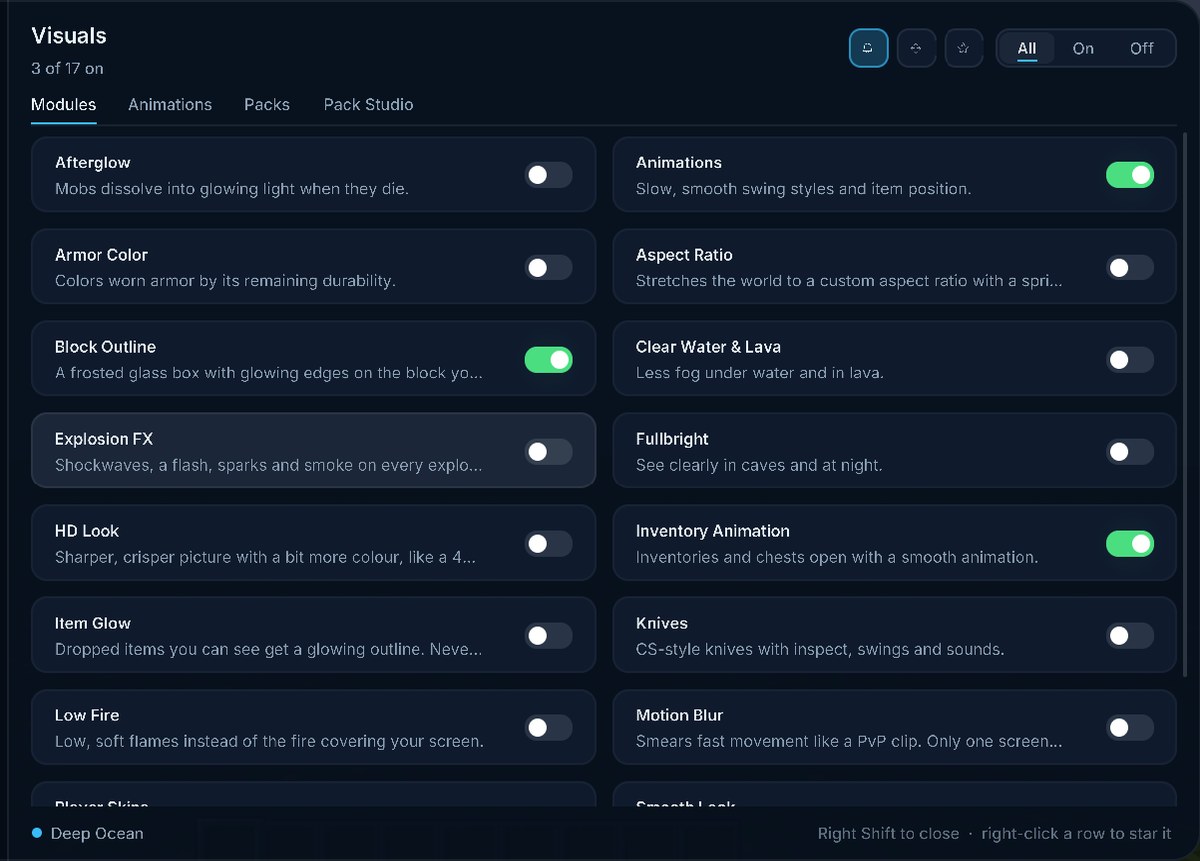
Visuals17 modules
- AnimationsSlow, smooth swing styles and item position.
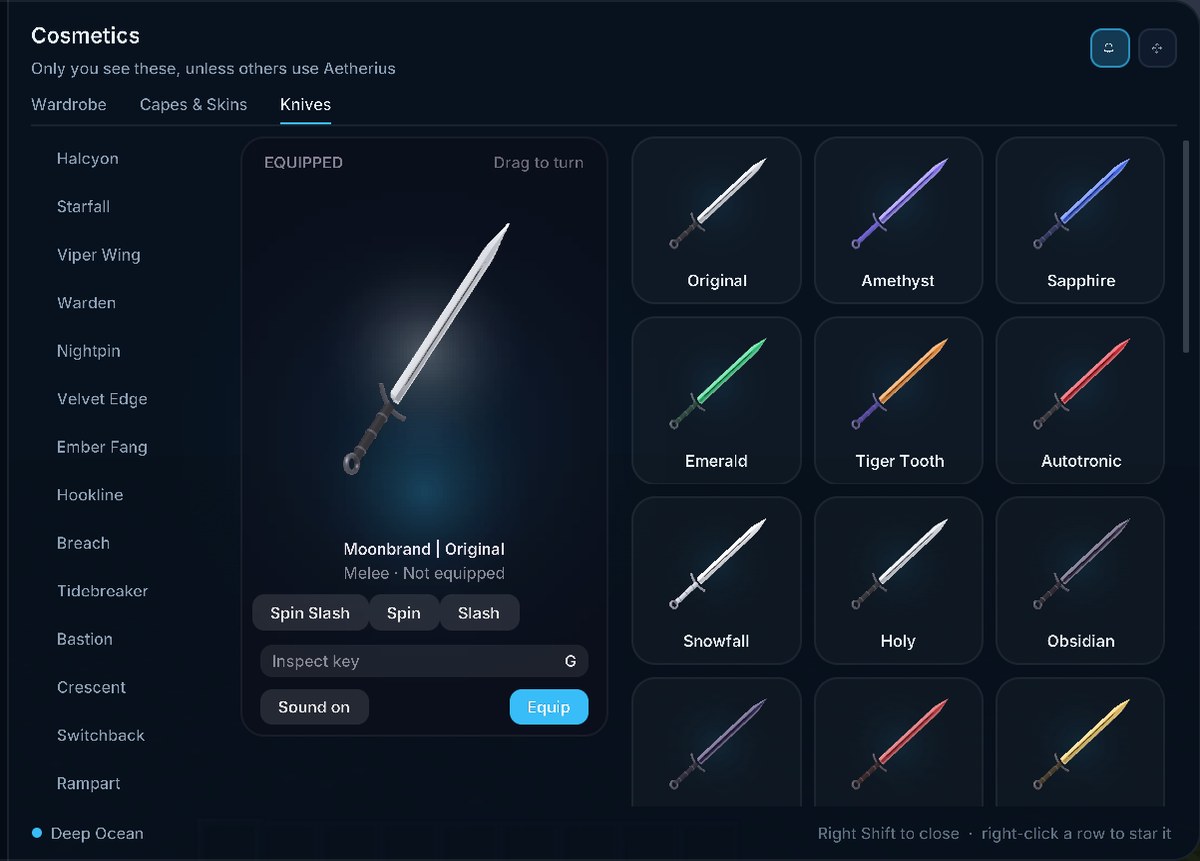
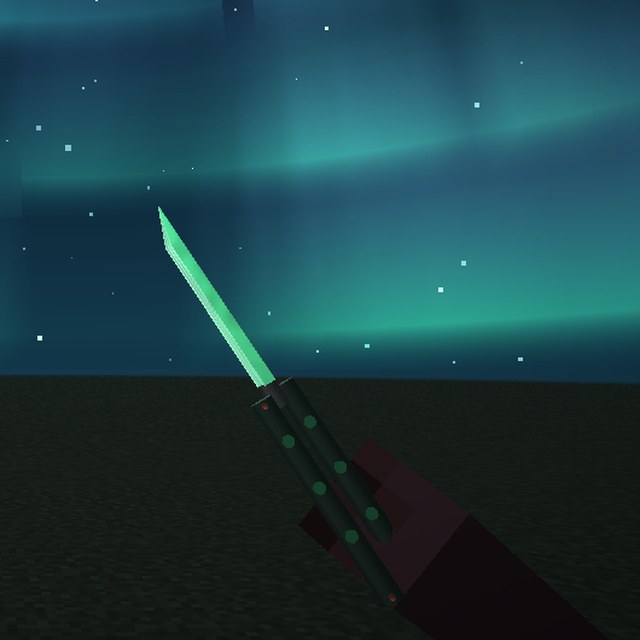
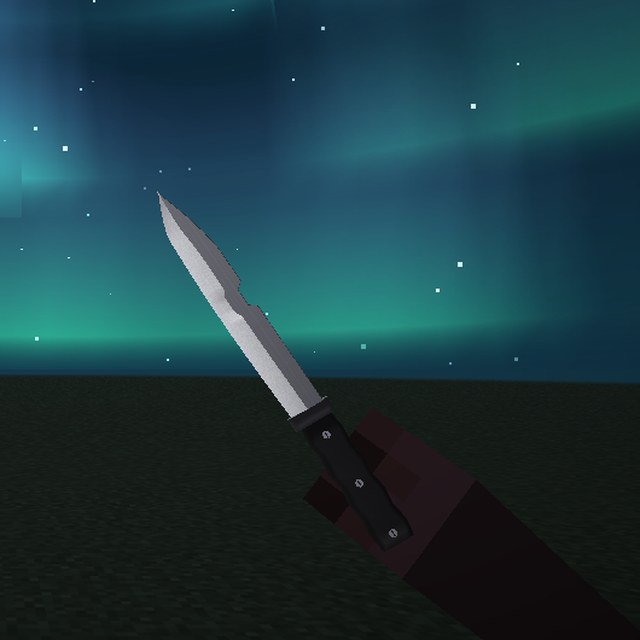
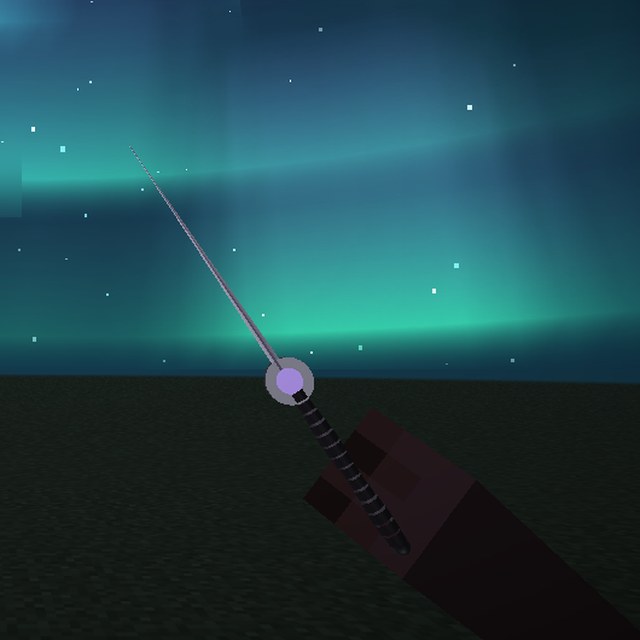
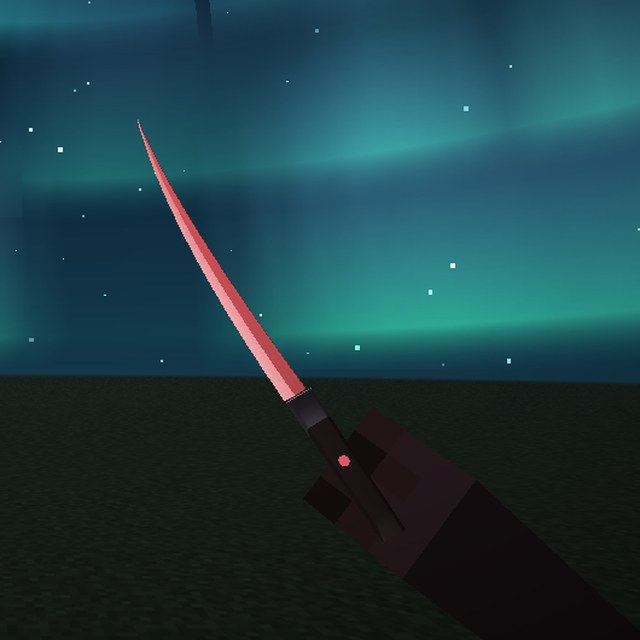
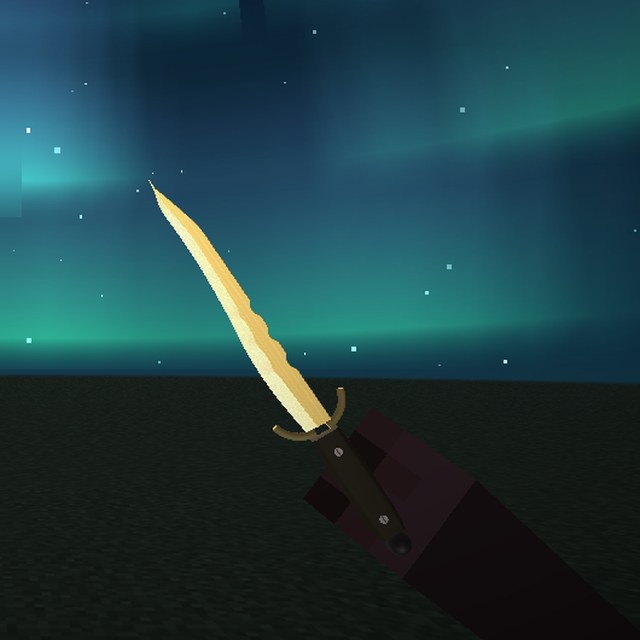
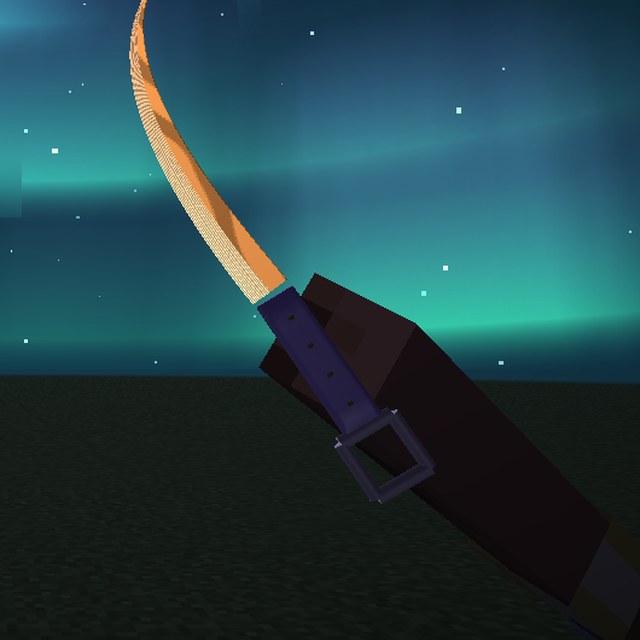
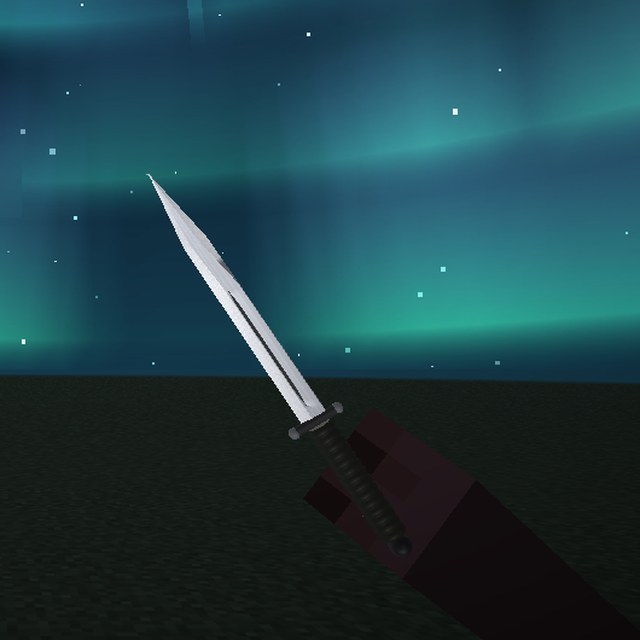
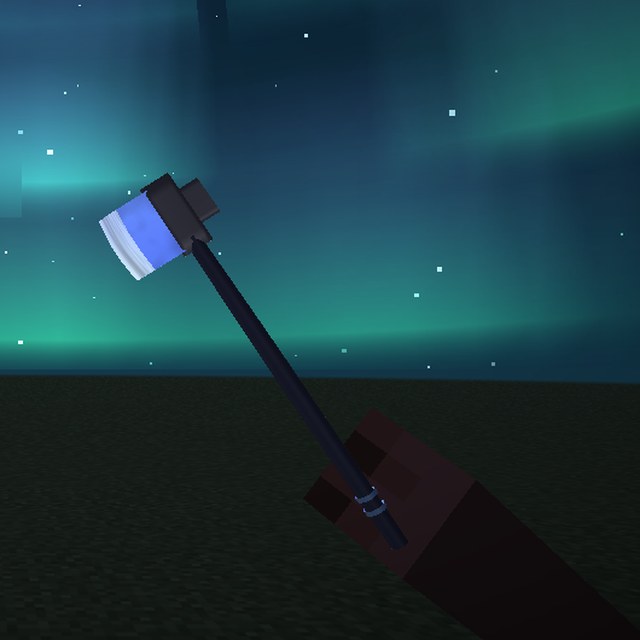
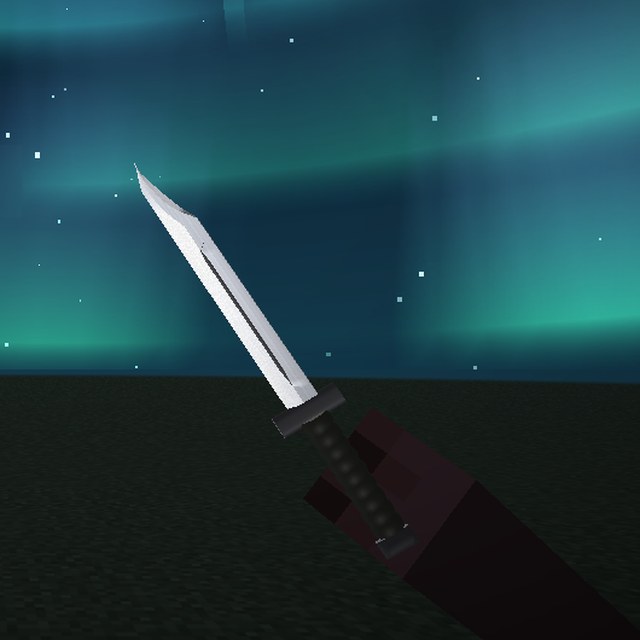
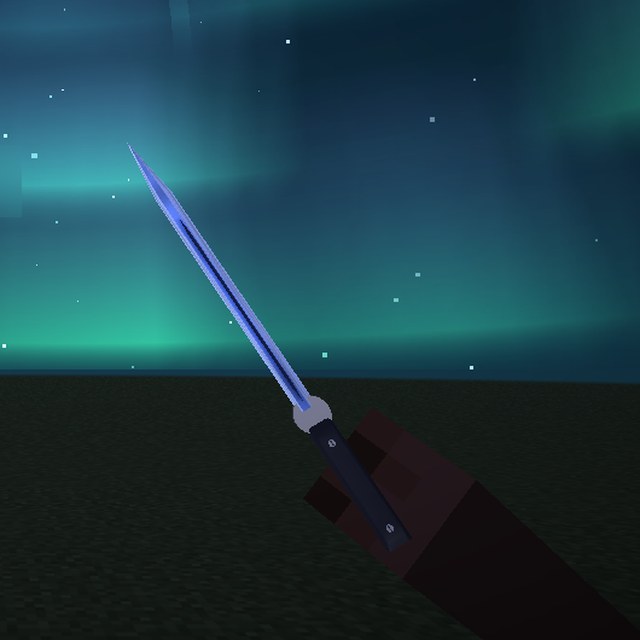
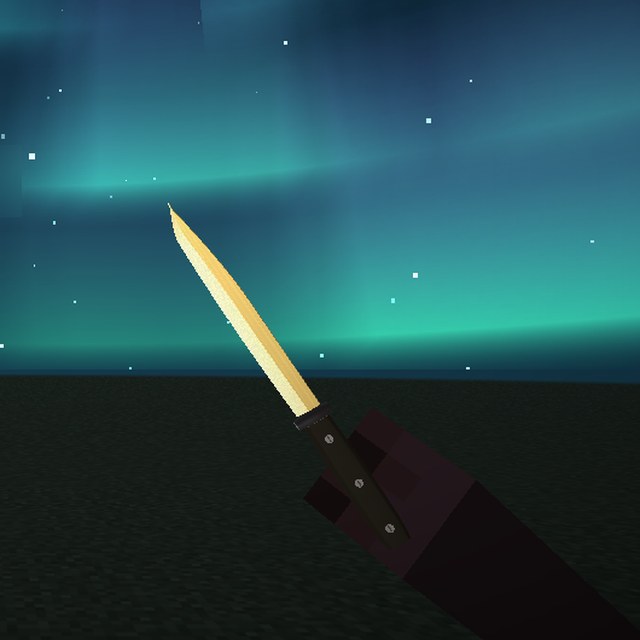
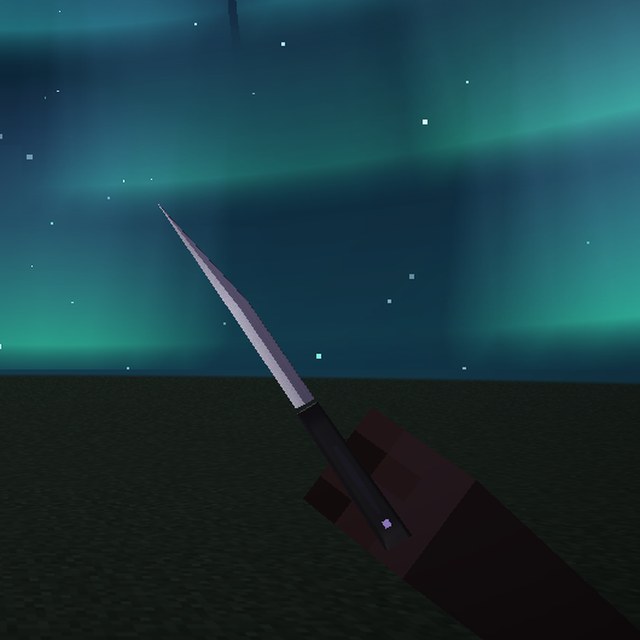
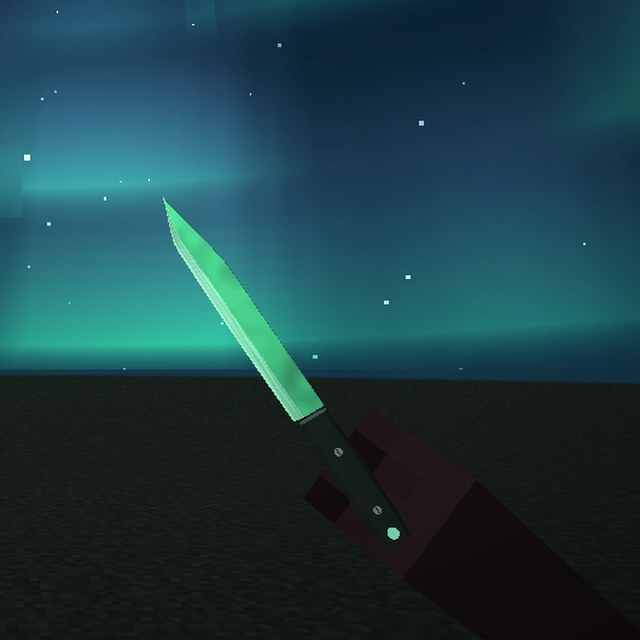
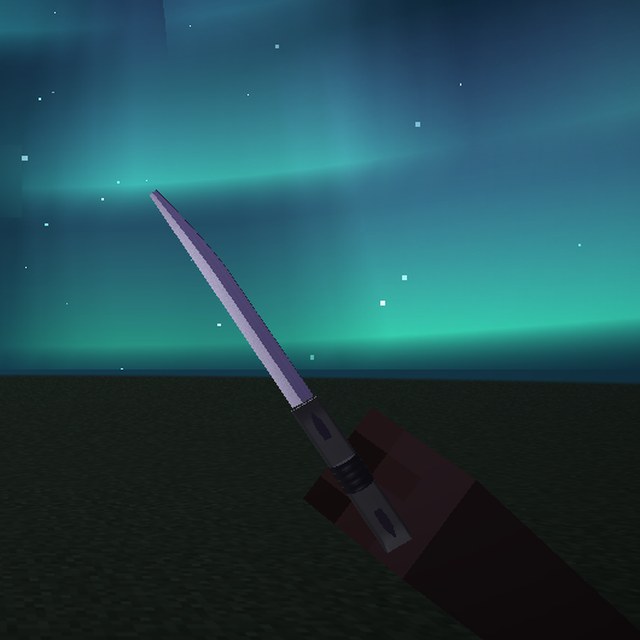
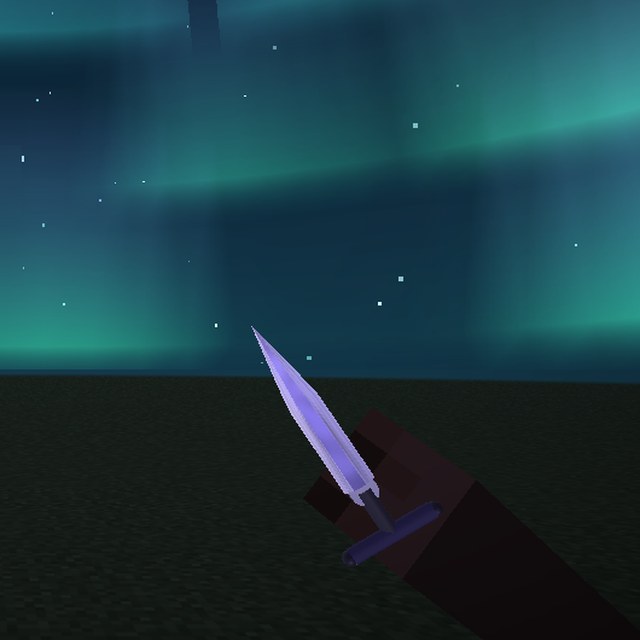
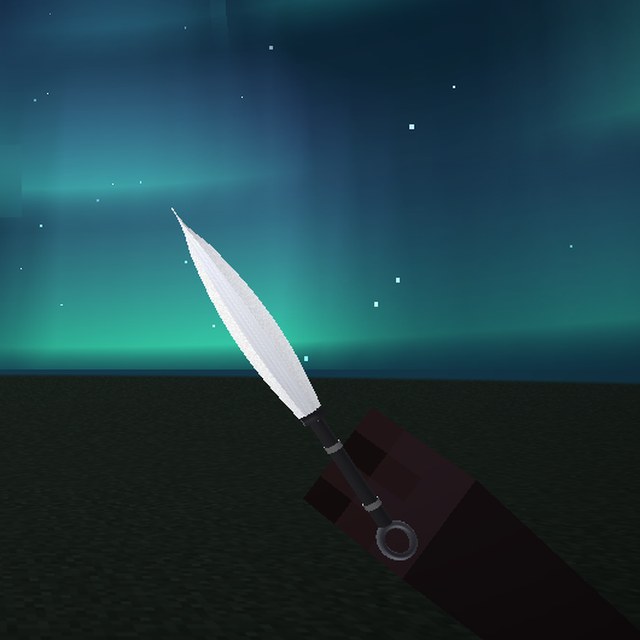
- KnivesCS-style knives with inspect, swings and sounds.
- FullbrightSee clearly in caves and at night.
- Low FireLow, soft flames instead of the fire covering your screen.
- Clear Water & LavaLess fog under water and in lava.
- Block OutlineA frosted glass box with glowing edges on the block you look at.
- AspectRatioStretches the world to a custom aspect ratio with a springy transition.
- ArmorColorColors worn armor by its remaining durability.
- ViewModelMove, turn and resize the items in your hands. Each hand has its own settings; open the Hand Editor to drag them.
- AfterglowMobs dissolve into glowing light when they die.
- Item GlowDropped items you can see get a glowing outline. Never through walls.
- Motion BlurSmears fast movement like a PvP clip. Only one screen filter is on at a time.
- Smooth LookMakes everything look and feel smoother, like a high-refresh screen. Only one screen filter is on at a time.
- HD LookSharper, crisper picture with a bit more colour, like a 4K screen. Very light on FPS. Only one screen filter is on at a time.
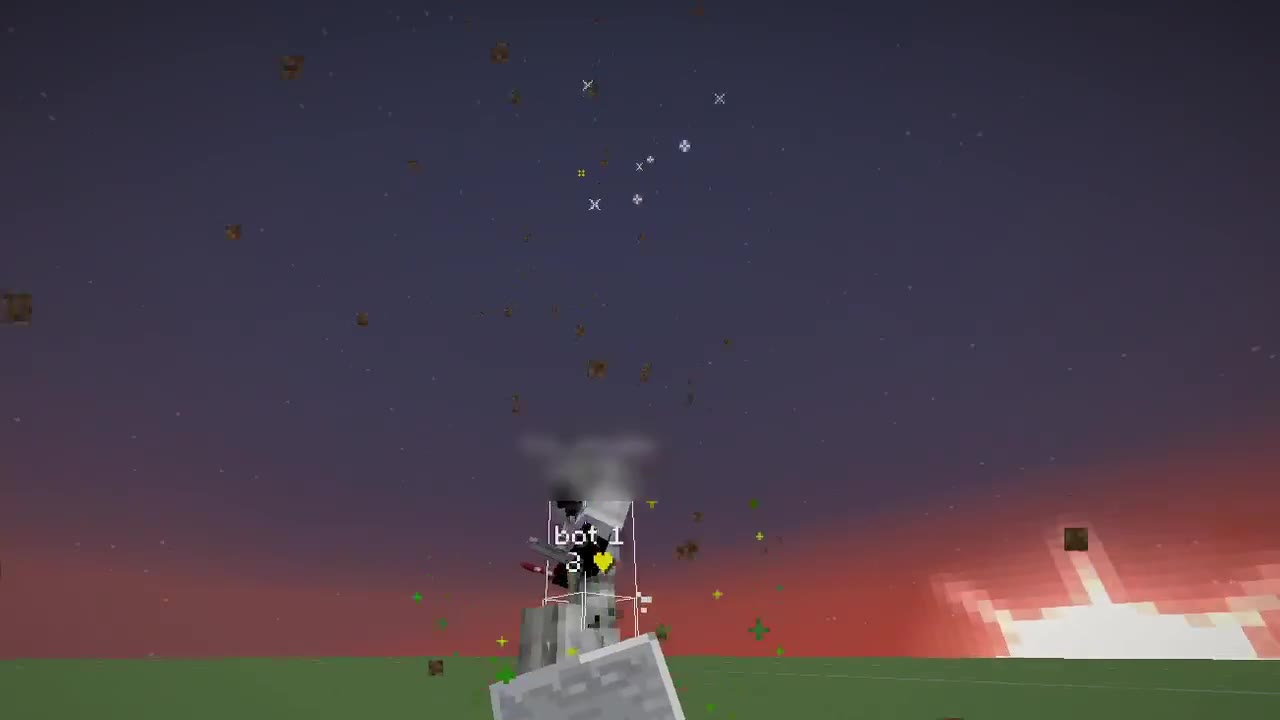
- Explosion FXShockwaves, a flash, sparks and smoke on every explosion.
- Inventory AnimationInventories and chests open with a smooth animation.
- Player SkinsSee players as glass, an X-ray skeleton, smoke or wrapped in energy. Only players you can already see.
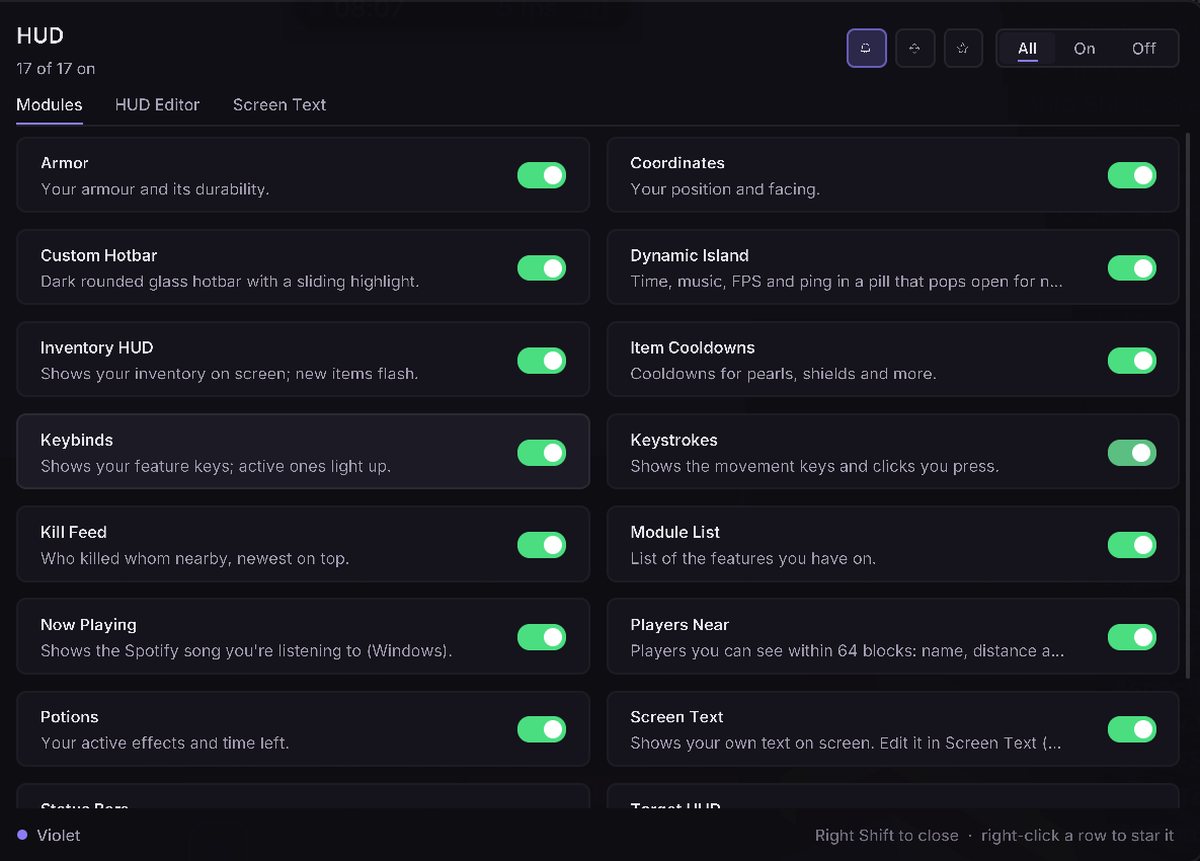
HUD17 modules
- Custom HotbarDark rounded glass hotbar with a sliding highlight.
- Module ListList of the features you have on.
- CoordinatesYour position and facing.
- ArmorYour armour and its durability.
- PotionsYour active effects and time left.
- Target HUDInfo card for who you're fighting, pinned right beside them.
- Item CooldownsCooldowns for pearls, shields and more.
- TotemsTotem and golden apple counter.
- Now PlayingShows the Spotify song you're listening to (Windows).
- KeystrokesShows the movement keys and clicks you press.
- Screen TextShows your own text on screen. Edit it in Screen Text (menu sidebar).
- Dynamic IslandTime, music, FPS and ping in a pill that pops open for notifications.
- Status BarsSlim armour, health and hunger bars above your hotbar.
- KeybindsShows your feature keys; active ones light up.
- Players NearPlayers you can see within 64 blocks: name, distance and direction, with an optional alert. Never through walls.
- Inventory HUDShows your inventory on screen; new items flash.
- Kill FeedWho killed whom nearby, newest on top.
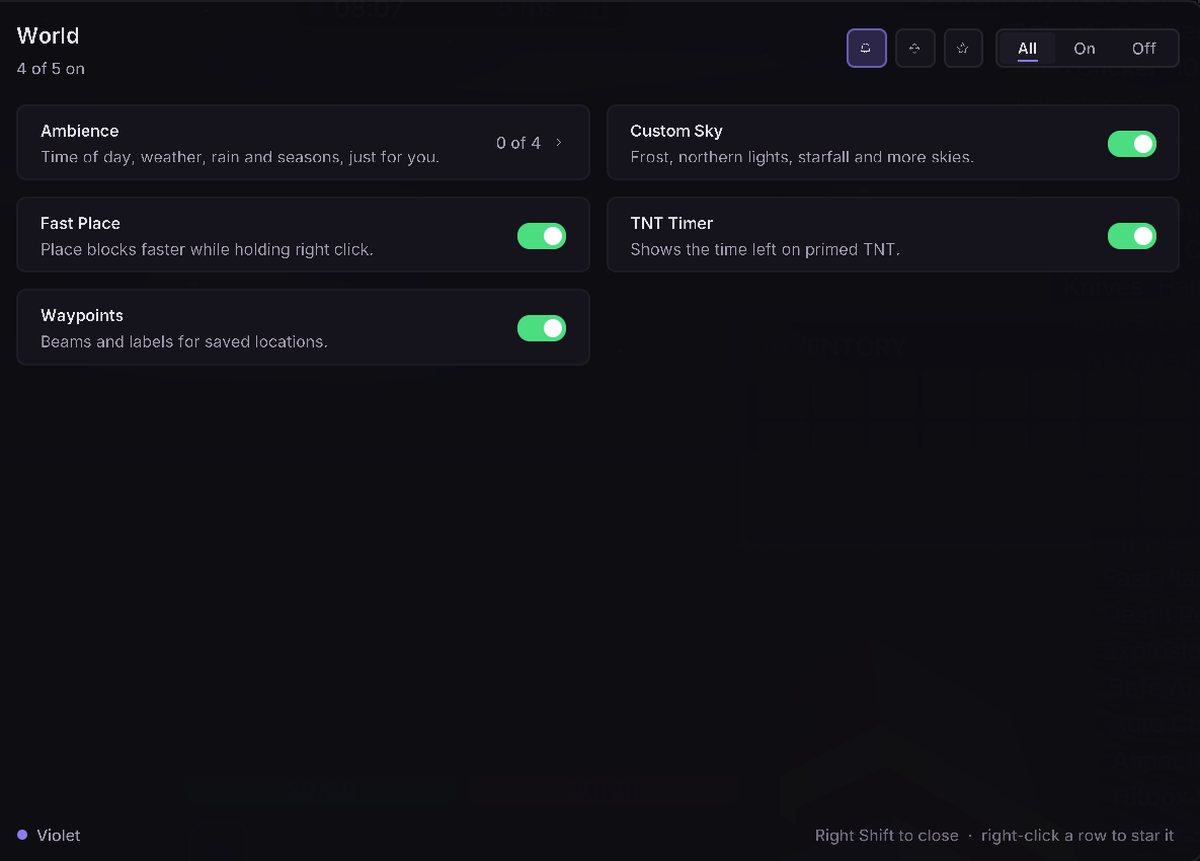
World5 modules
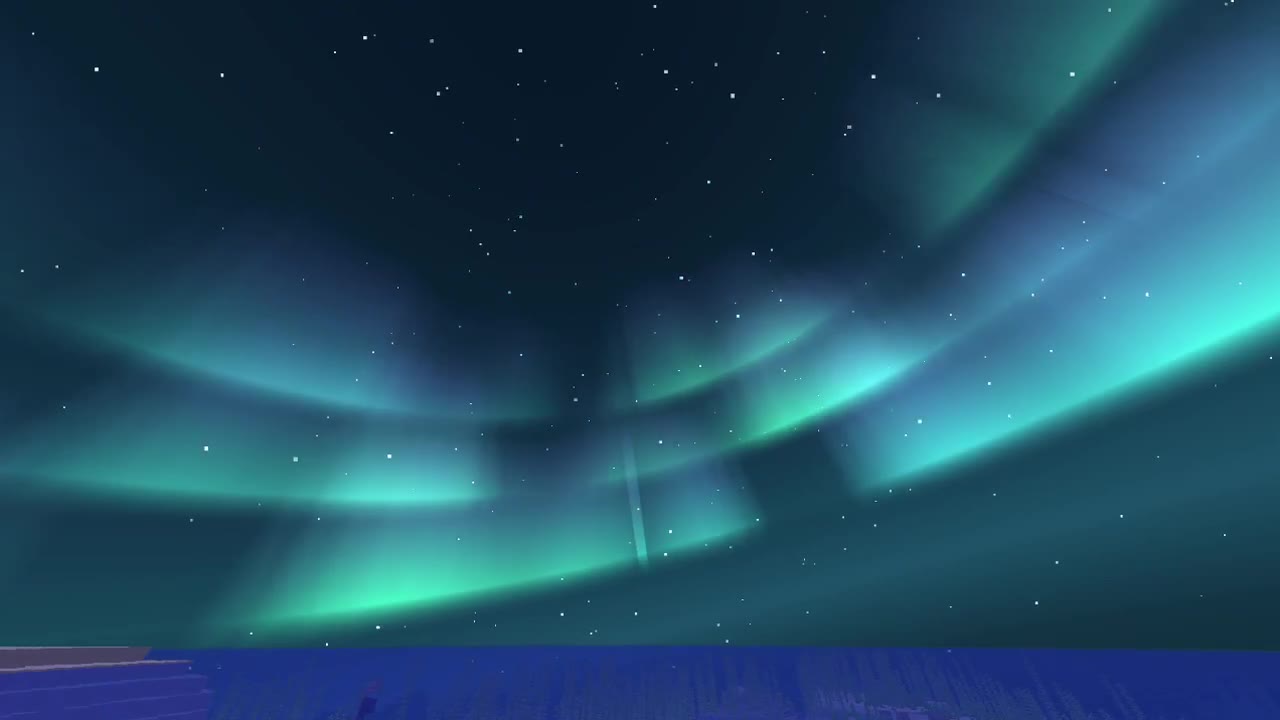
- Custom SkyFrost, northern lights, starfall and more skies.
- Fast PlacePlace blocks faster while holding right click.
- WaypointsBeams and labels for saved locations.
- TNT TimerShows the time left on primed TNT.
- AmbienceTime of day, weather, rain and seasons, just for you.
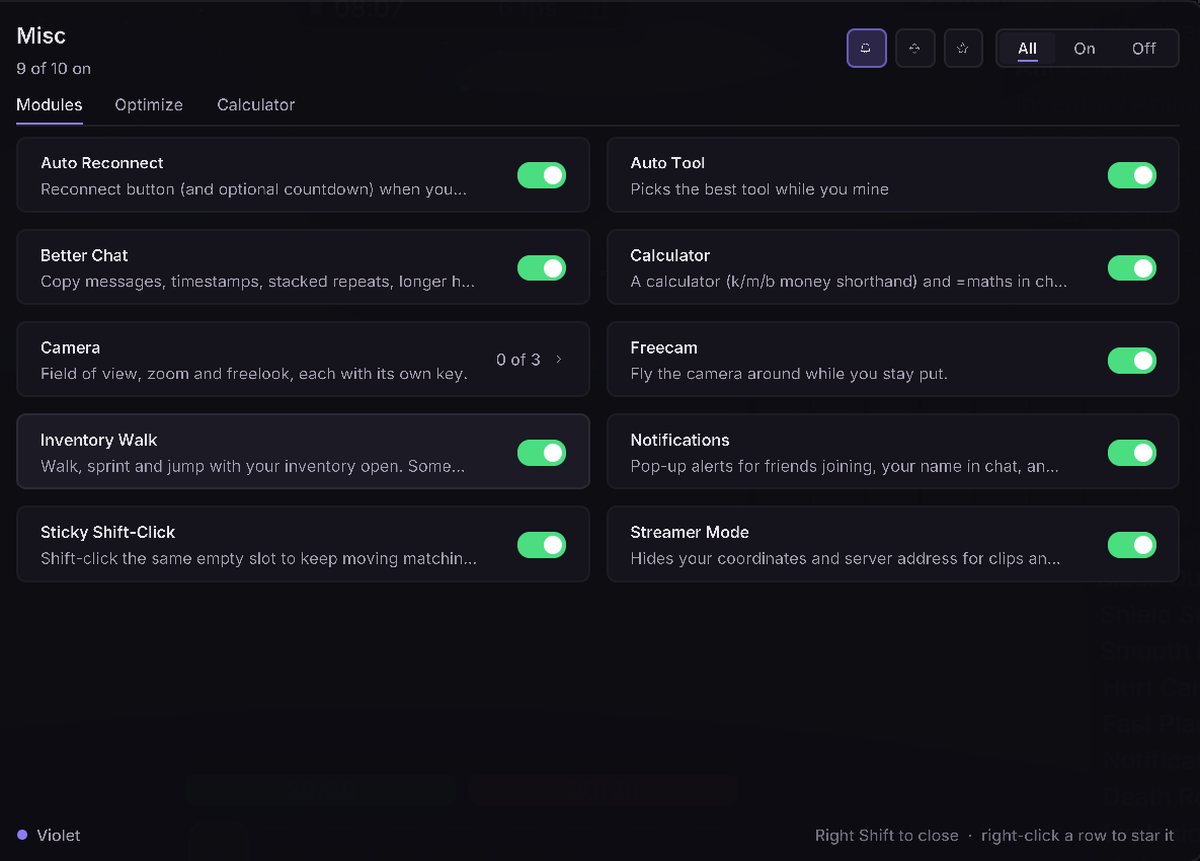
Misc10 modules
- FreecamFly the camera around while you stay put.
- Sticky Shift-ClickShift-click the same empty slot to keep moving matching stacks into a chest.
- Auto ReconnectReconnect button (and optional countdown) when you get disconnected.
- Streamer ModeHides your coordinates and server address for clips and streams.
- Better ChatCopy messages, timestamps, stacked repeats, longer history, modern look.
- CalculatorA calculator (k/m/b money shorthand) and =maths in chat.
- Inventory WalkWalk, sprint and jump with your inventory open.
- NotificationsPop-up alerts for friends joining, your name in chat, and timers you set.
- Auto ToolPicks the best tool while you mine
- CameraField of view, zoom and freelook, each with its own key.
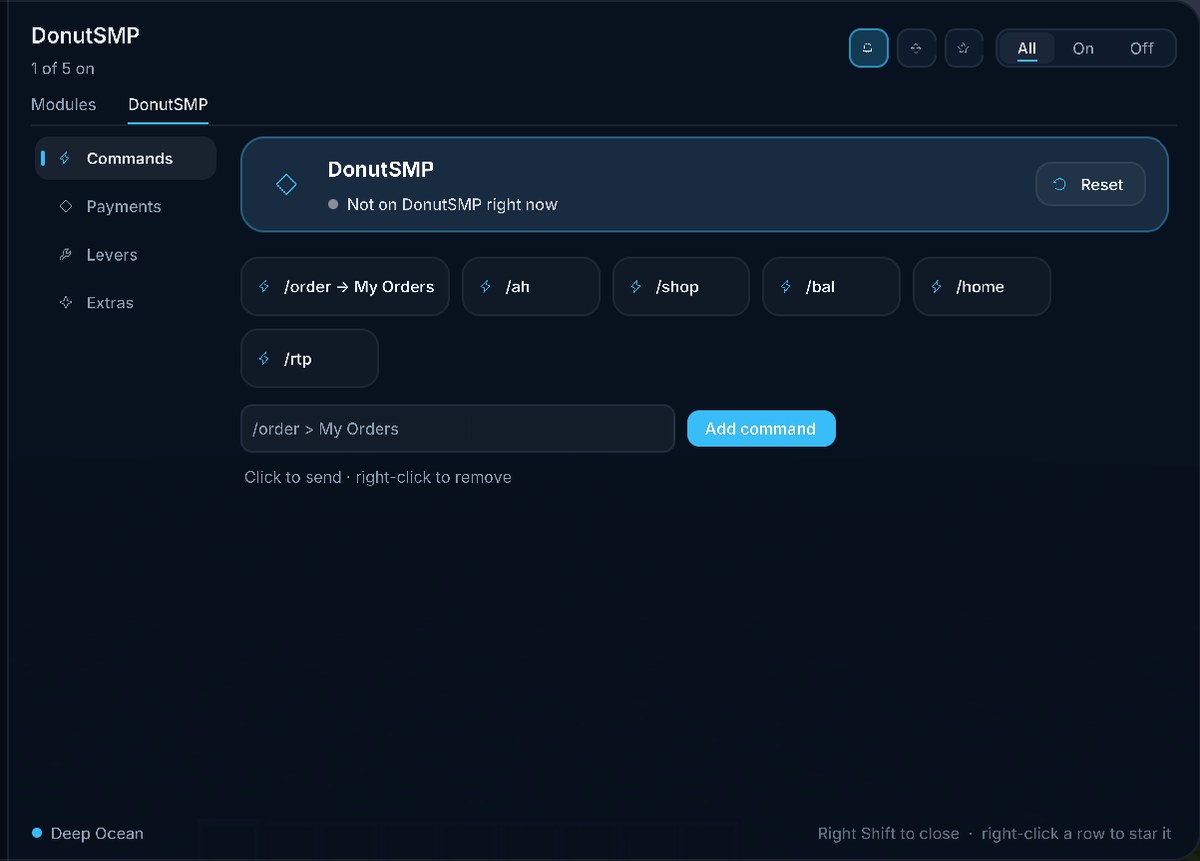
DonutSMP5 modules
- Lever FlickSatisfying flick animation for levers.
- Fast LeverOne click flicks a lever on and back (double flick).
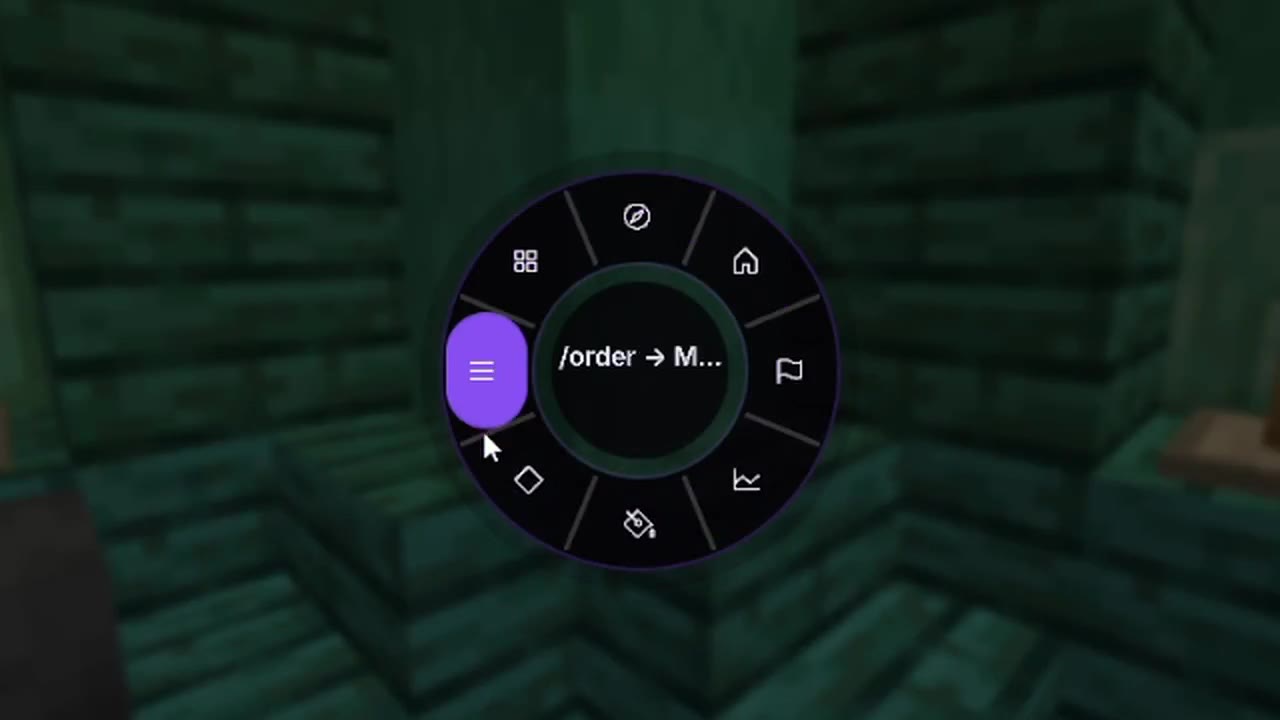
- Quick WheelHold a key for a donut of DonutSMP shortcuts: /rtp, /home, /ah and more.
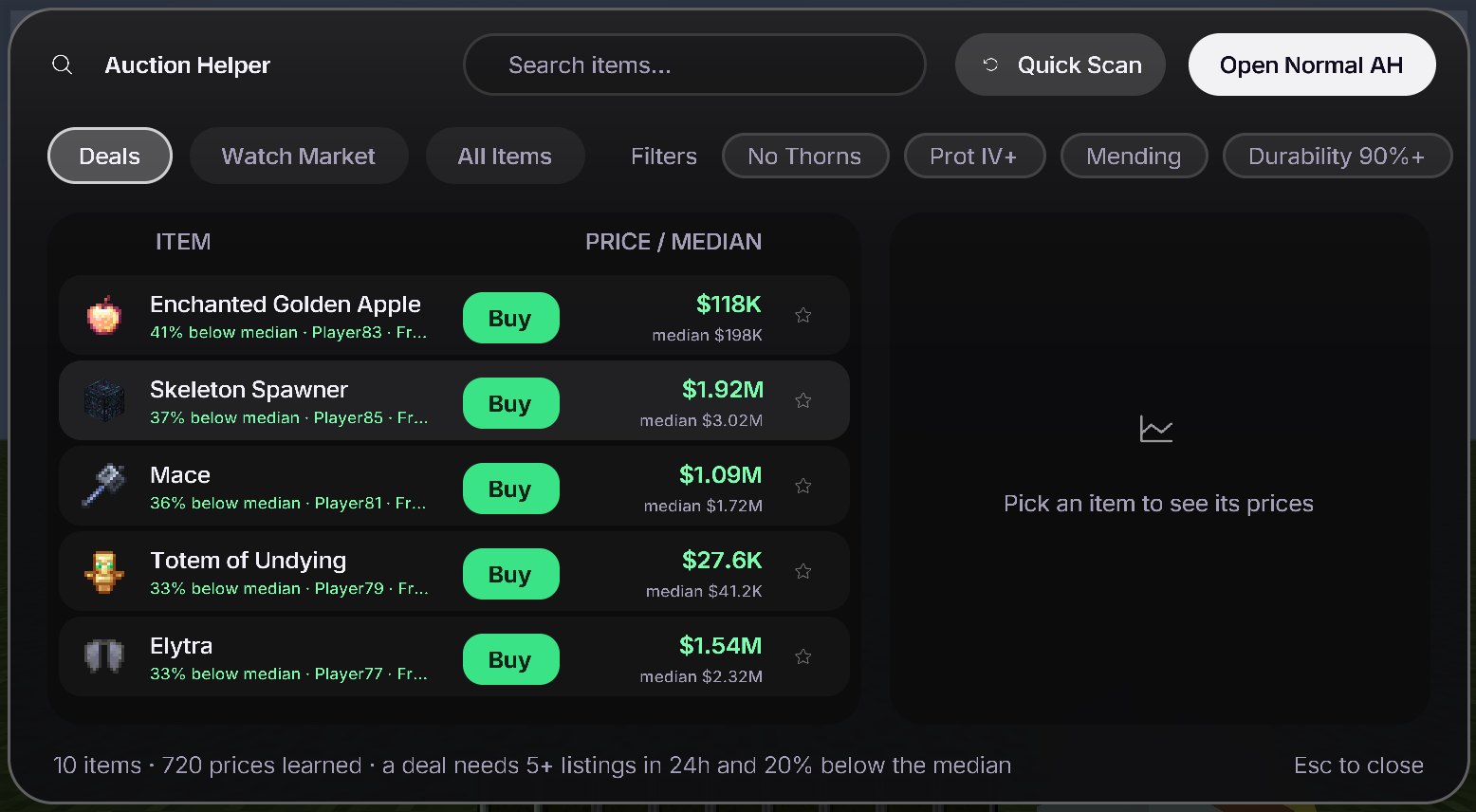
- AucHelperDonutSMP auction helper: your own /ah menu with deals, prices and a watch list. Highlights deals in the real AH.
- Hotbar ListerLists every stack in your hotbar on the AH at one price. Press its key to run.
Cosmetics8 modules
- Custom CapeWear your Wardrobe cape (only you see it). Skins and shields switch on when you pick one.
- PetA little pet that walks next to you (only you see it).
- CosmeticsHats, wings and backpacks (only you see them).
- Totem SkinsYour totem looks like a plushie or an idol, in your hand and when it pops.
- NametagsA styled name tag over your head in third person. Only you see it.
- GraffitiSpray pictures on walls and floors with a key. Only you see them.
- Money AuraDollar bills and gold coins swirling around you.
- TrailsParticles, wisps and smoke that follow you around.
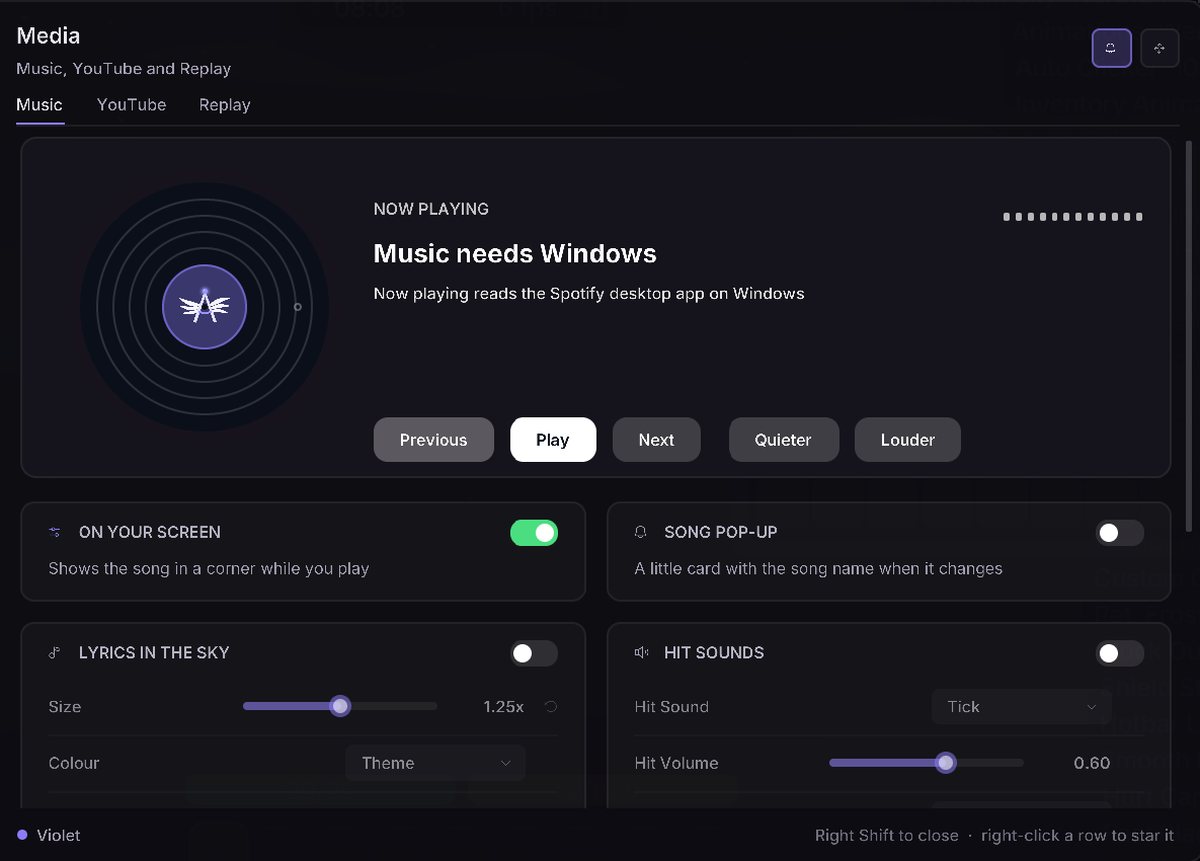
Media2 modules
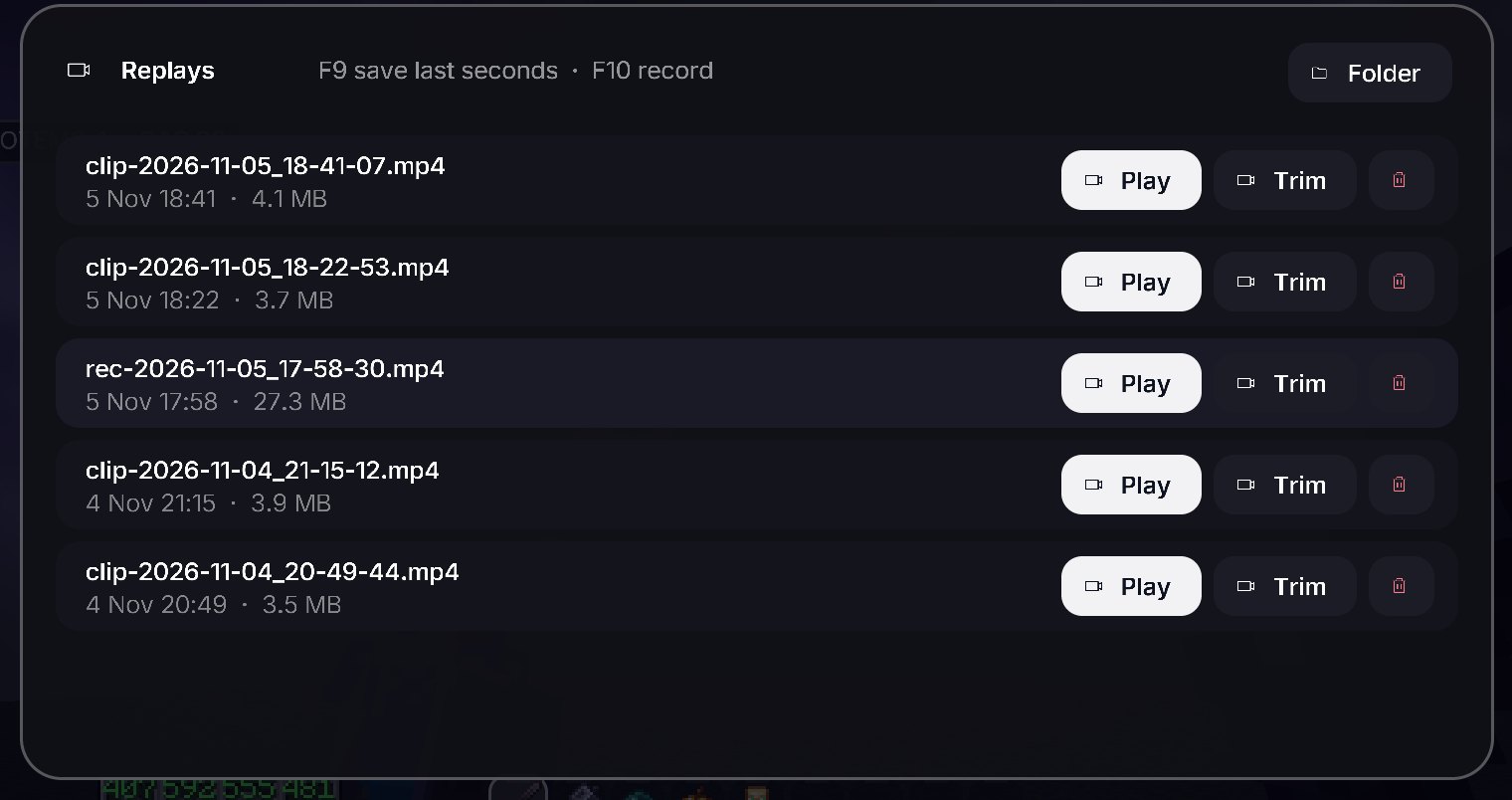
- ReplaySave the last seconds, record, and see your clips, with keys you pick.
- YouTubeYouTube in the game on a floating screen or a window.
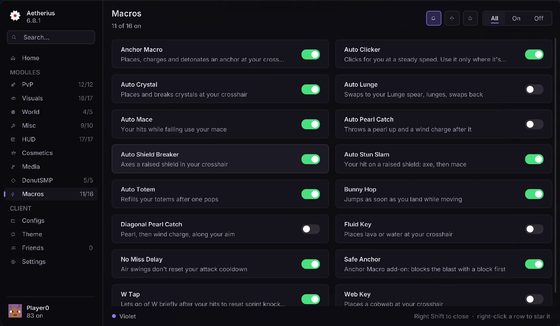
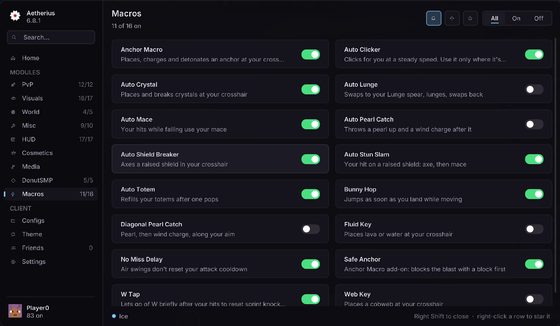
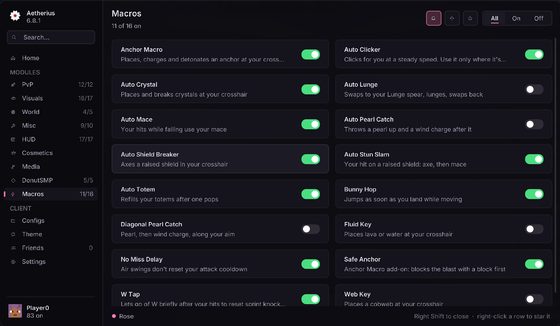
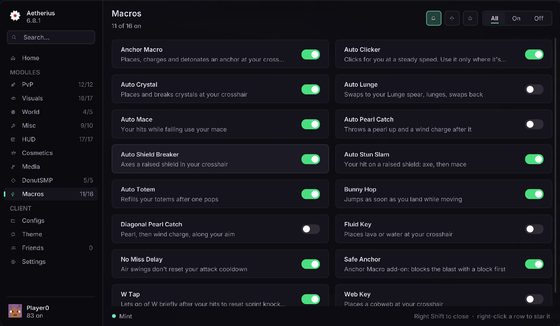
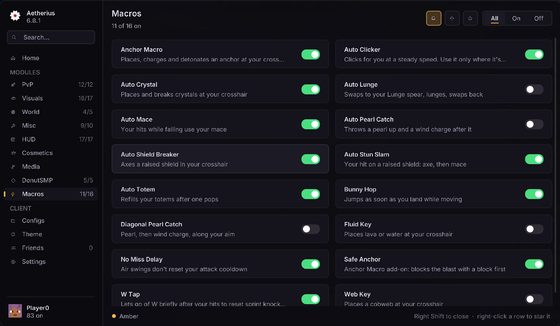
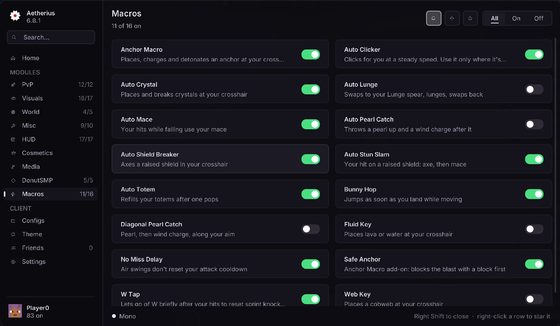
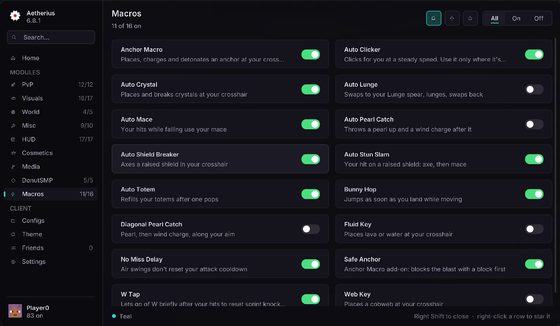
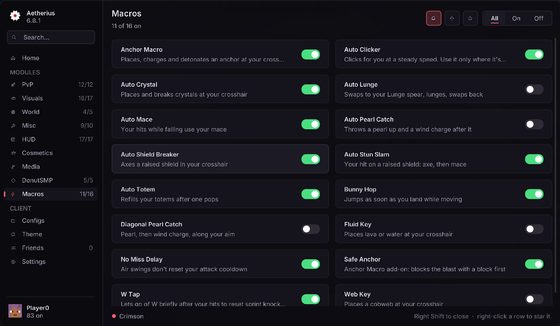
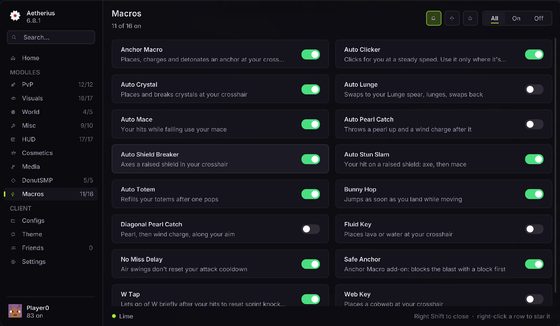
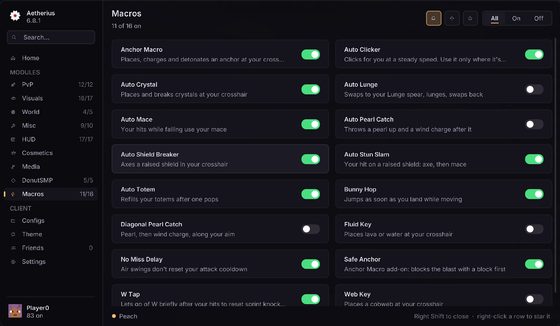
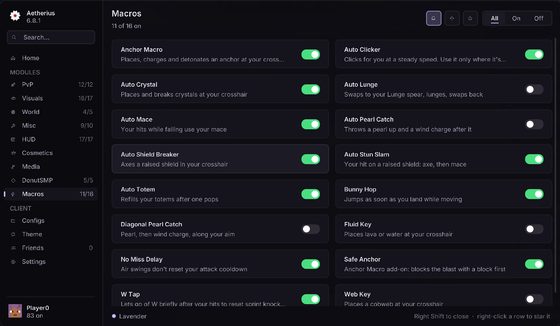
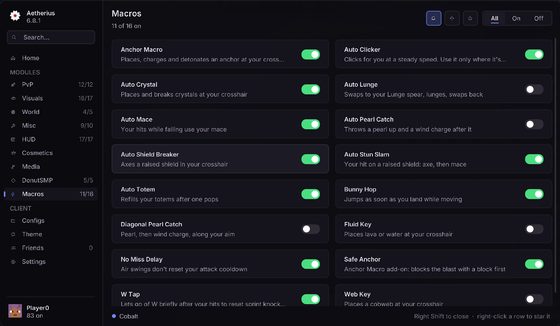
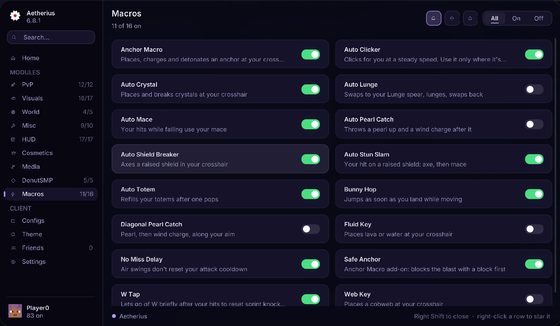
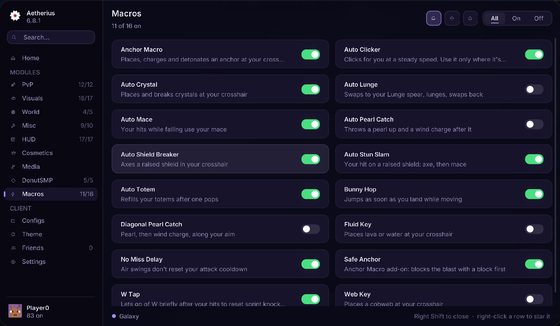
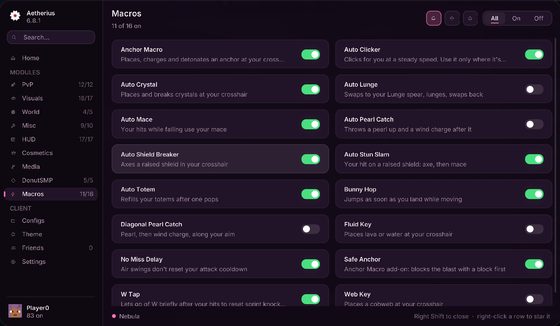
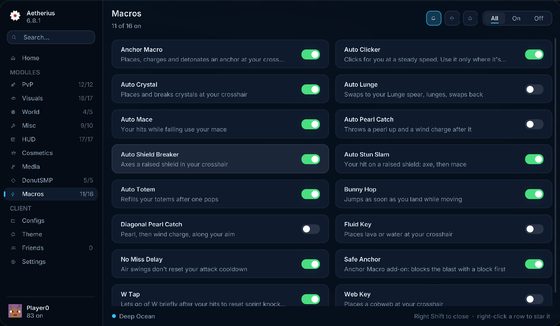
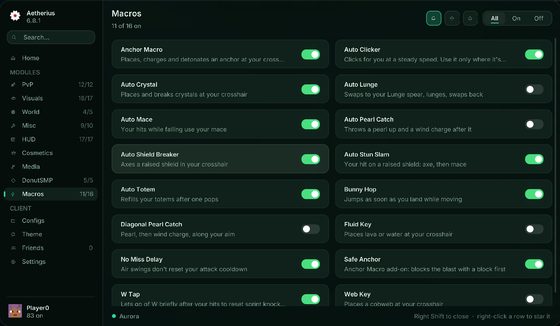
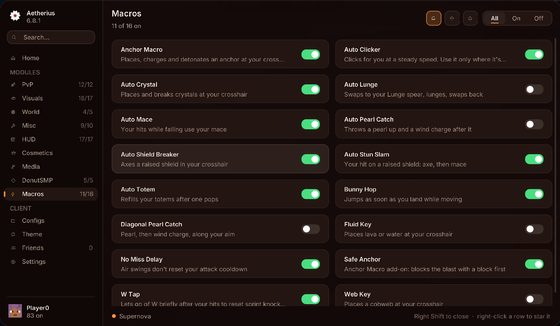
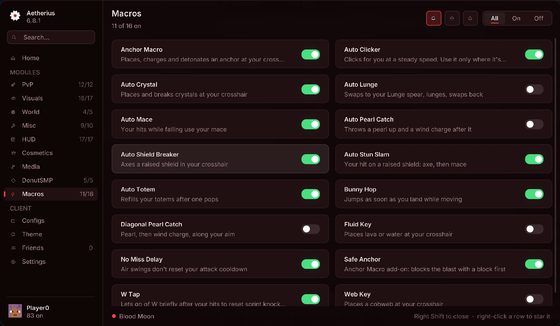
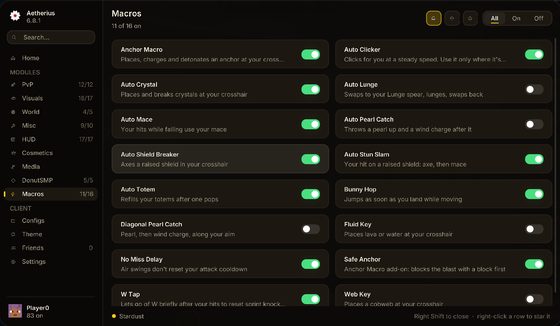
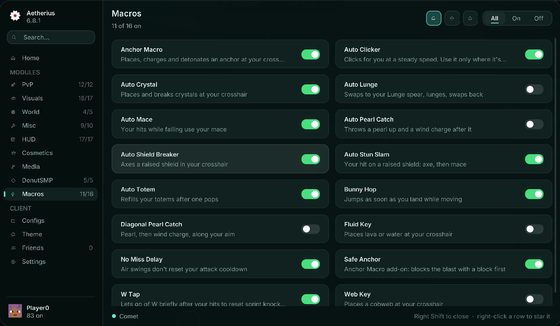
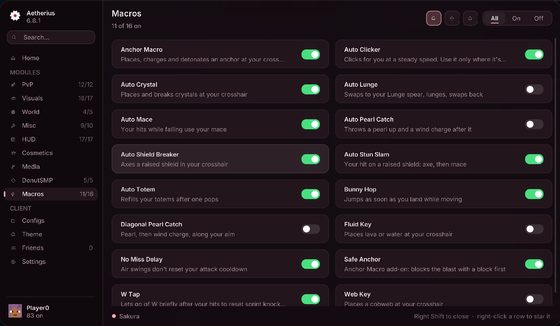
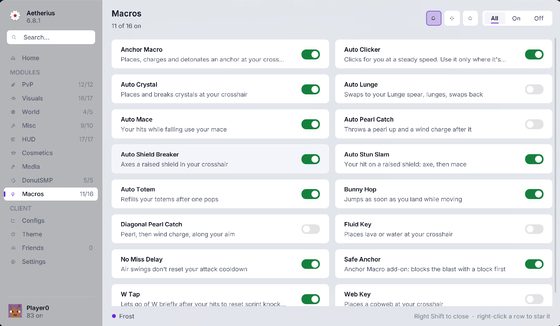
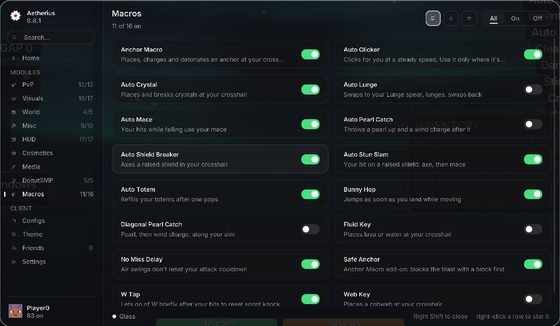
30 themes.
One click recolours the whole menu. Here's every one of them.
Only on Aetherius.
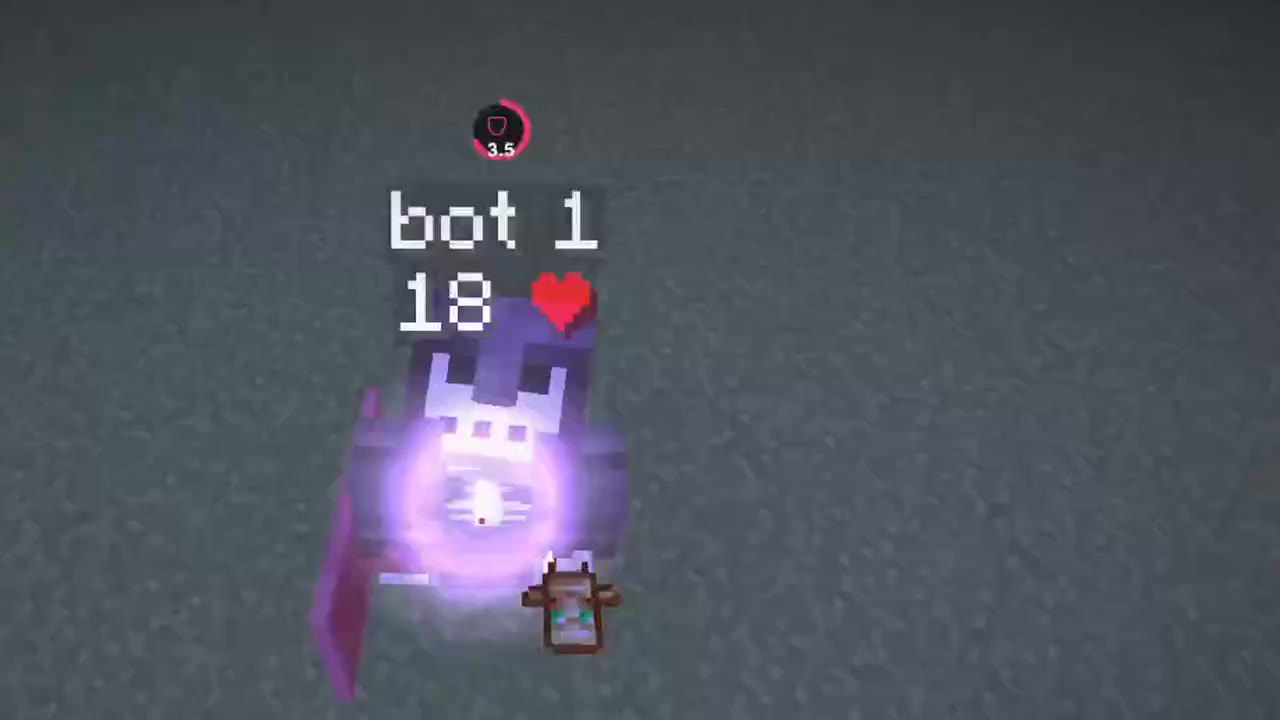
Real footage from the client. Each clip plays when you press it.
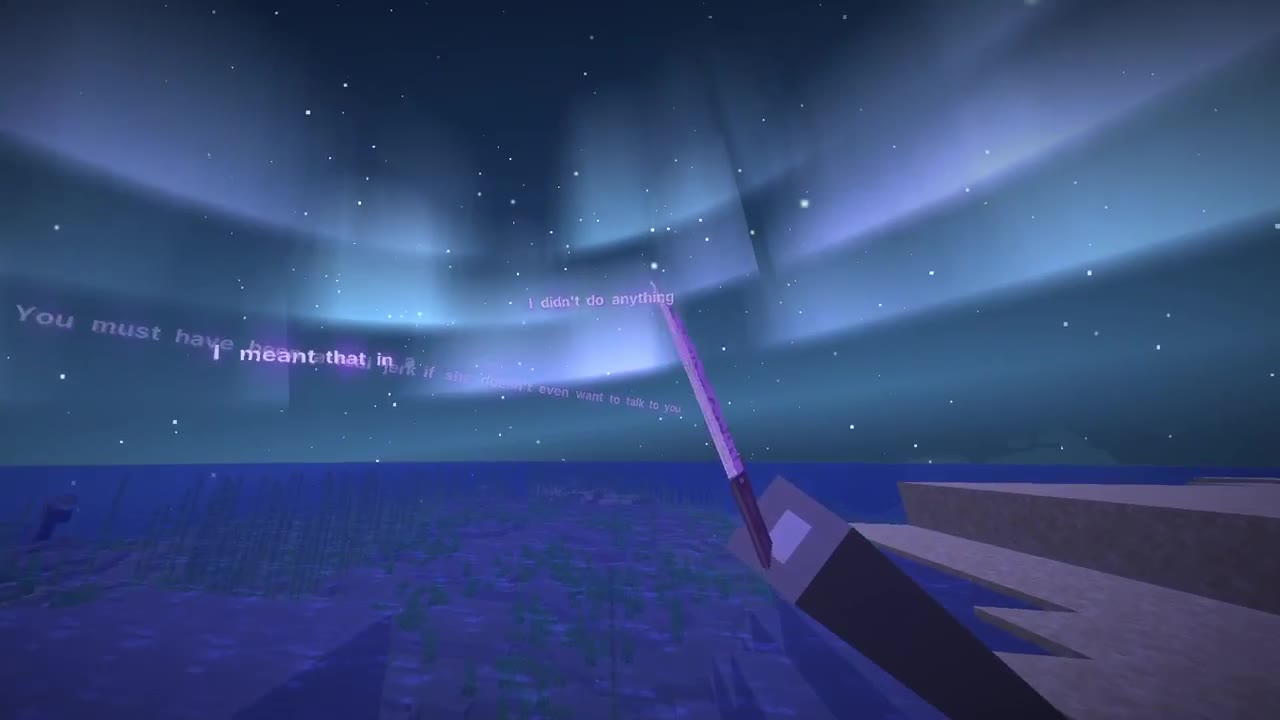
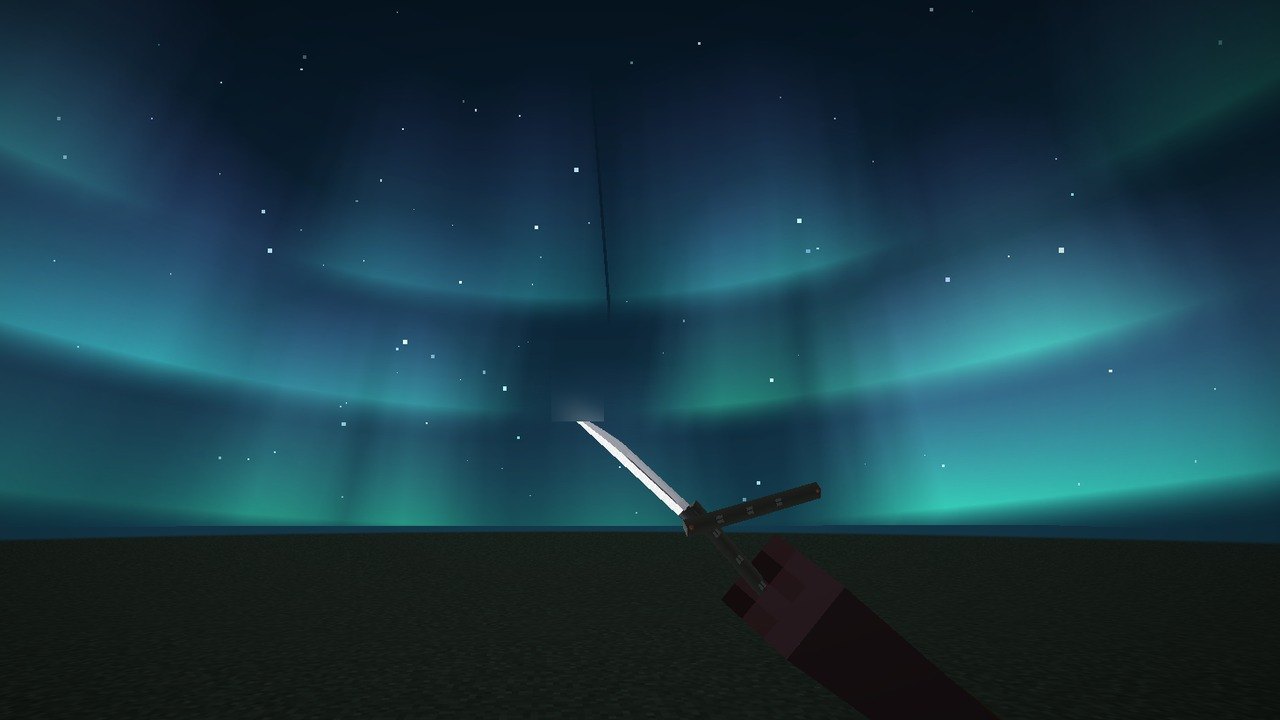
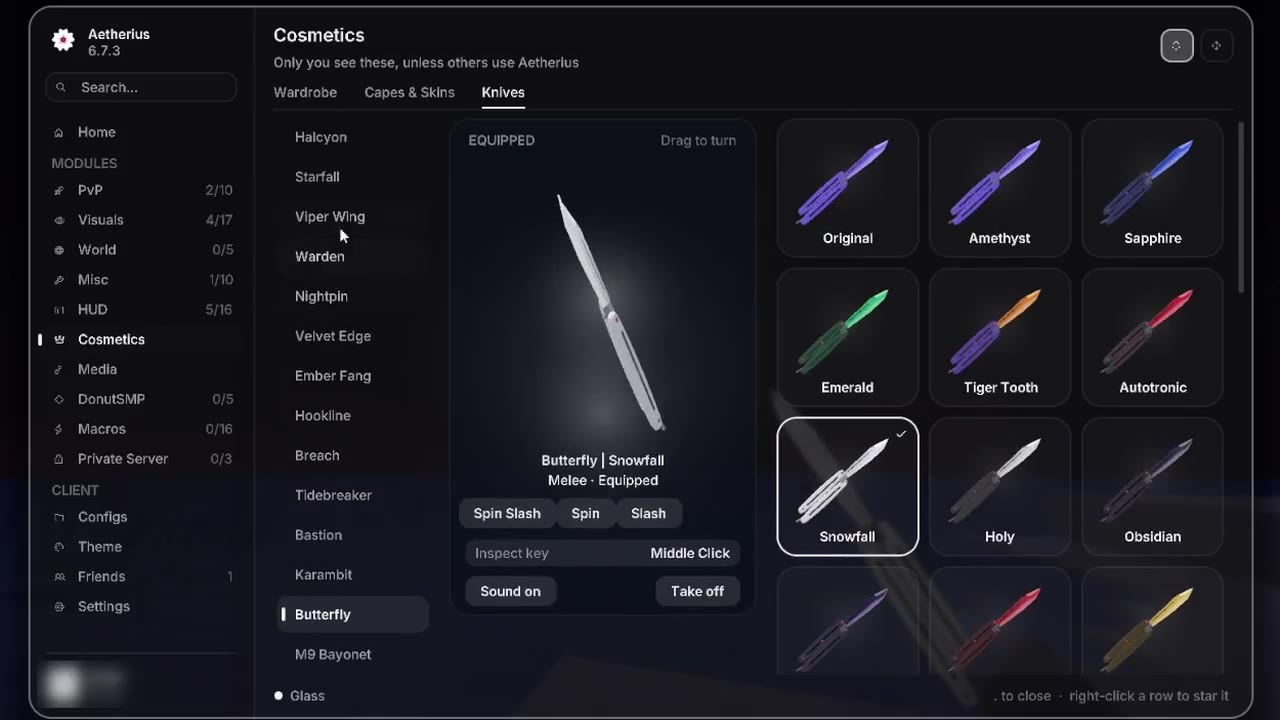
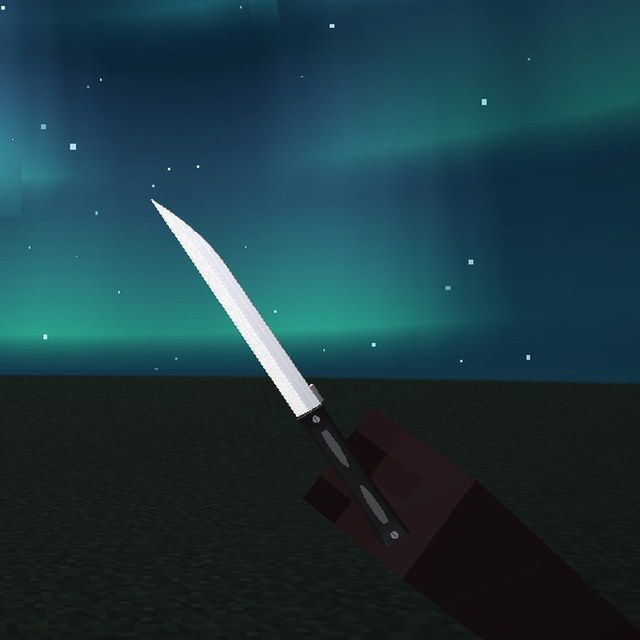
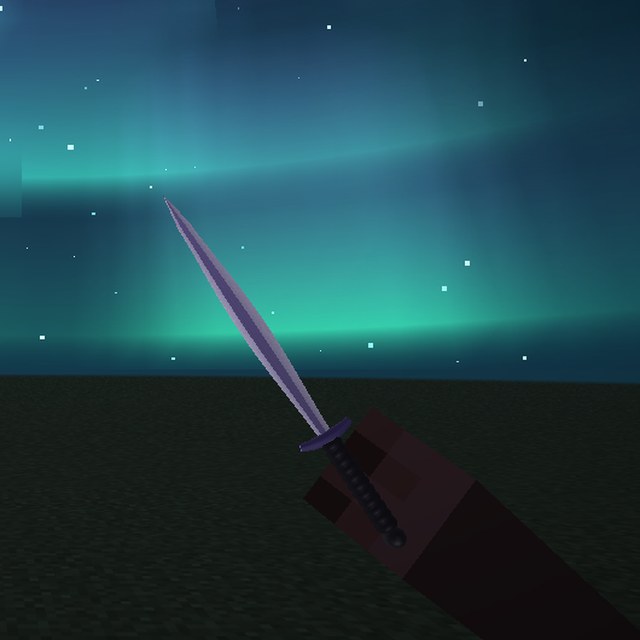
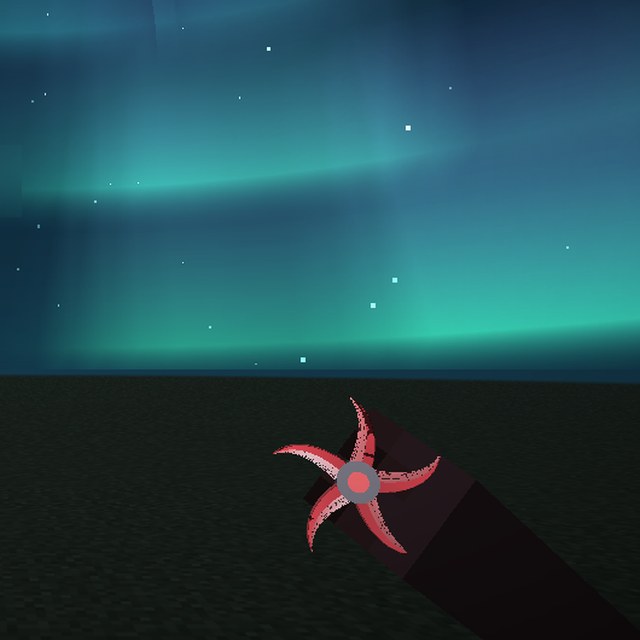
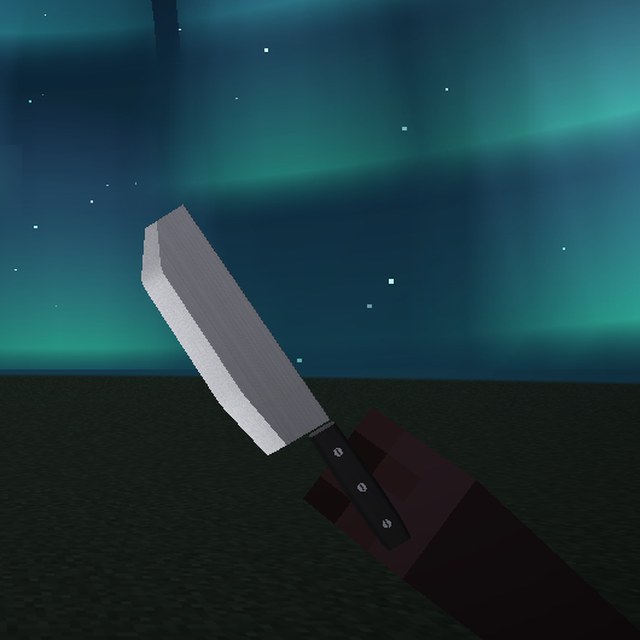
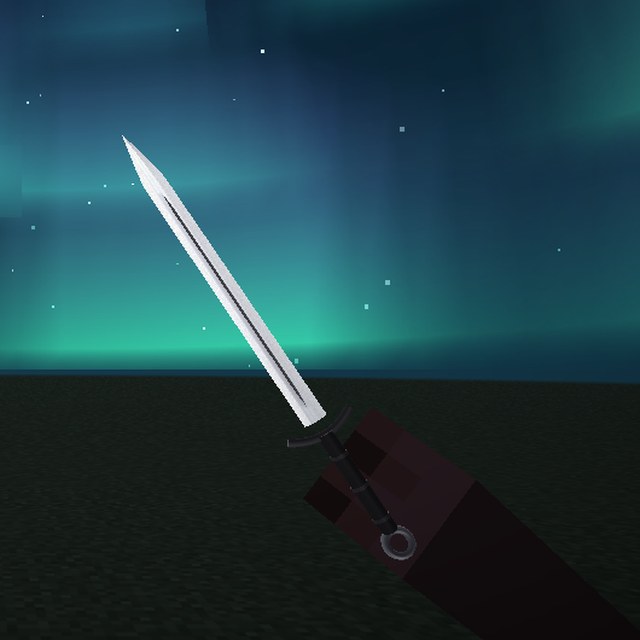
25 knives.
Your sword becomes one of 25 in your hand, in 12 finishes, each with its own inspect. Every design is ours.
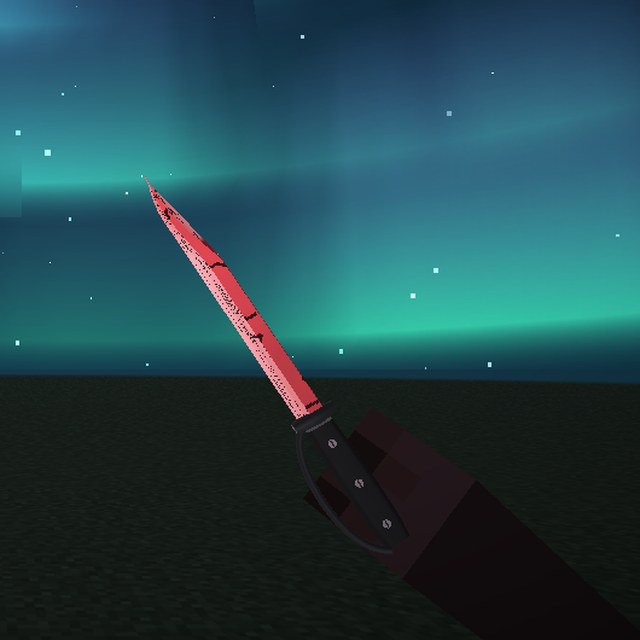
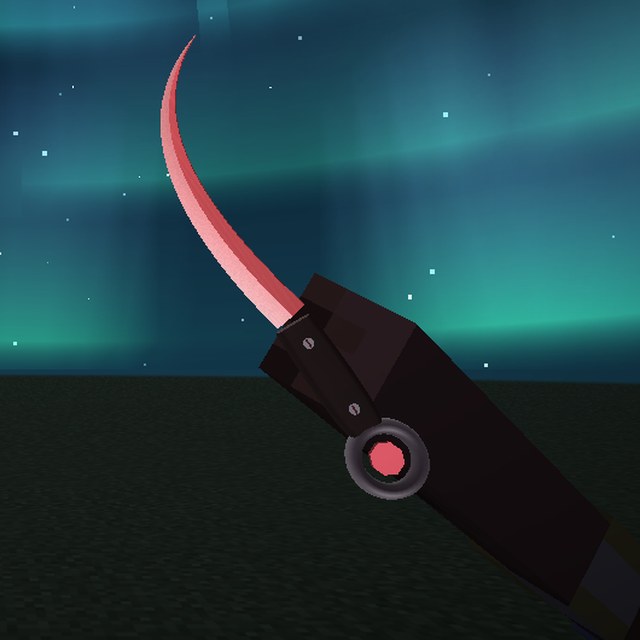
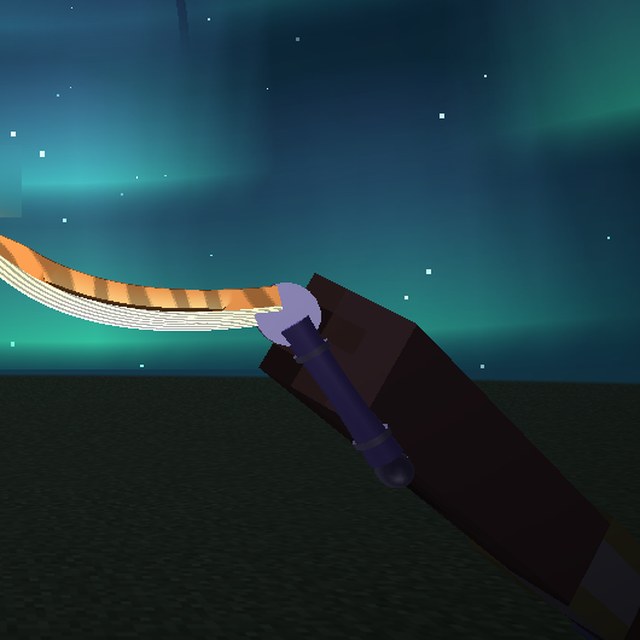
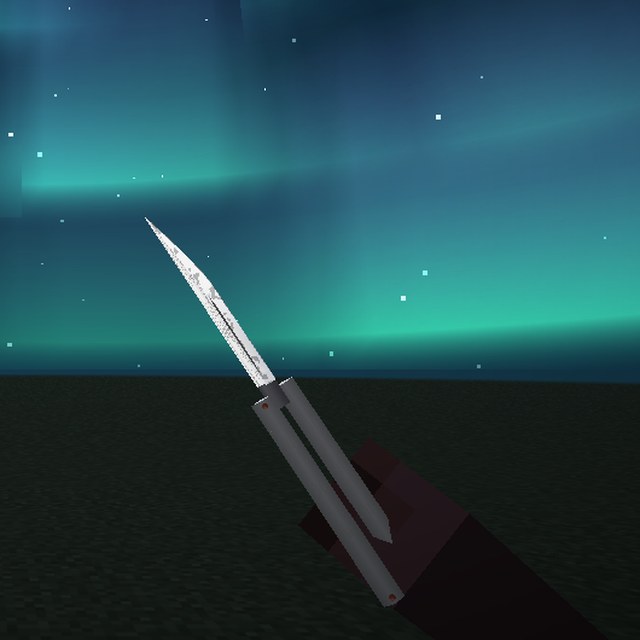
Made on DonutSMP.
Built and tested on the server, for the server. These aren't in any other client.
And the rest.
- Account switcherSwap between your Microsoft accounts from the title screen, without restarting.
- Shield statusSee who has a shield up, and when your axe has it disabled.
- Lock-on crosshairChanges shape when a target is in reach, with hitbox view and health bars.
- Show WhyTurn it on and the mace macros tell you what they did on each hit, or why they didn't.
Five steps.
From buying to playing in about a minute. The launcher walks you through the same steps.
- Get the launcherDownload Aetherius-Setup.exe after you buy and run it.
- Sign in with MicrosoftThe account you play Minecraft with.
- Paste your keyIt locks to your PC and works on all your accounts.
- Pick your version1.21.11, 26.1.2, 26.2 or 26.3.
- Press PlayIn game, Right Shift opens the menu.
Safe to install.
One installer, the same kind Discord and Steam use. Here is everything it does.
- One fileAetherius-Setup.exe. No zip to unpack, no scripts to run, nothing to build.
- No admin rightsIt installs into your own user folder and never asks for the admin prompt.
- Nothing in the backgroundThe launcher runs when you open it and stops when you close it.
- Removes cleanlySettings, Apps, Aetherius Launcher, Uninstall. It takes its files with it.
Windows may show a blue "Windows protected your PC" box the first time, because the launcher is new. Choose More info, then Run anyway.
€9.99, yours for good.
Every macro, module and theme, and every update after.
Always moving.
The latest updates. Yours free, the minute they're out.
- 6.8.10Early click: tap attack anywhere in the fall and Auto Mace or Stun Slam lands the hit the moment you're in reach of the player you tapped at.
- 6.8.9Hide Explosions: no more puff and smoke from crystals, anchors and TNT, so you can see the fight. Sound and knockback stay.
- 6.8.8Macros rebuilt: real slot keys and clicks with natural waits, Auto Hit Crystal on right click, and nine new macros including Custom Macros you build yourself.
- Launcher 1.1Paste your key and watch it unlock: checked, locked to your PC, then Fabric and the client set up, ready to play.
- 6.8.7Hit crystal: hold the key and Auto Crystal places obsidian, the crystal and hits it at your crosshair. Instant macro swaps, and Anchor Macro looks back after the blast.
- 6.8.6Bug fix: the fourteen redesigned knives show their signature finishes again on Original.
- 6.8.5Fourteen knives redesigned from scratch — every design is now our own. Saved knives switch over by themselves.
- 6.8.4Spinning knives: every flip and turn plays a real spin sound. Knives show their finish colours in hand. Quick Wheel gets /bal.
- 6.8.3Auction Helper and Pack Studio scale to small screens. Sharper macro defaults.
- 6.8.2Smarter Auto Totem, cleaner W Tap and Bunny Hop, Anchor Macro stops eating your key press.
Questions.
How do I install it?
Download the Aetherius Launcher, sign in with Microsoft, paste your key and press Play. The client is built in, so there's nothing else to install.
Windows says it "protected my PC". Is that normal?
Yes. Windows shows that box for any new program it hasn't seen many times yet. Choose More info, then Run anyway. The installer needs no admin rights and only writes to its own folder.
Can I use it on my alts?
Yes. Your key works on every account on your PC. Switch accounts in game from the title screen or the server list.
Can I move it to a new PC?
A key works on one PC. Got a new one? Message us on Discord and we'll move it for you.
Which versions does it work on?
Minecraft Java 1.21.11, 26.1.2, 26.2 and 26.3. Pick one in the launcher and change it any time.
Is it allowed on servers?
Every module runs on your own hit or key press. Even so, some servers don't allow macros: their rules are your job, and bans aren't refunded. Check the Terms.
I didn't get the email.
Check your spam folder. Your key is also on the page you see after paying. Still stuck? Message us on Discord.